1
Cassini_QG.book Page 21 Monday, June 20, 2011 3:22 PM
4.
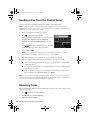
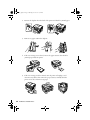
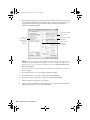
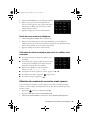
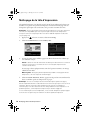
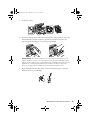
Select the Paper Size and Paper Source you want to use for printing faxes, then
press OK.
Note: If the incoming fax is larger than the paper you loaded, it is reduced to fit or
printed on multiple pages, depending on the Auto Reduction setting you select.
5.
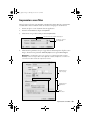
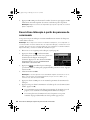
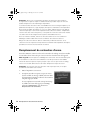
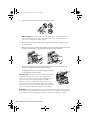
To receive faxes automatically, make sure you see a green light next to
Answer) on the touch screen. If the light is off, press
.
(Auto
Note: To change the number of rings before the product answers, see page 19.
If you run out of paper during printing, you see an error message. Load more paper and
press x to continue.
Note: To manually receive a fax, see your online User’s Guide.
Receiving Faxes 21