1
Targus Multimedia Presentation Remote
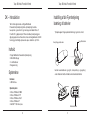
GB – Introduction
Thank you for your purchase of the Targus Multimedia Presentation
Remote. This combination remote, with laser pointer and cursor control,
works with both Microsoft PowerPoint® and Apple Keynote®. This cordless
remote also offers true plug and play capability with no need for software
drivers, while the long-range 2.4 GHz technology allows for effective
presentations up to 50 feet (15 m).
Targus Multimedia Presentation Remote
Setting Up Your Remote
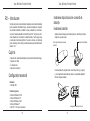
Installing the Batteries
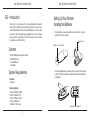
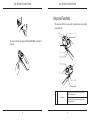
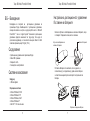
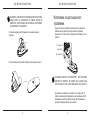
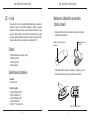
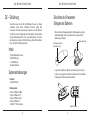
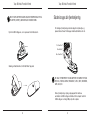
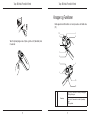
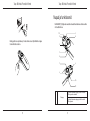
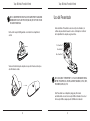
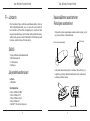
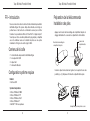
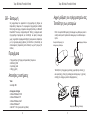
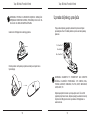
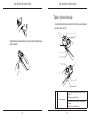
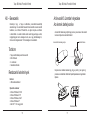
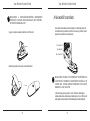
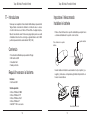
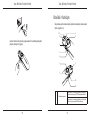
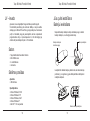
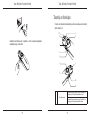
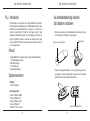
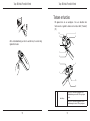
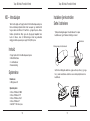
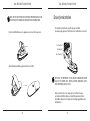
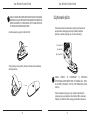
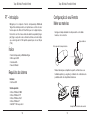
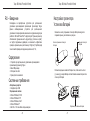
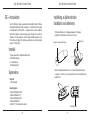
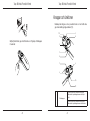
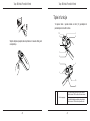
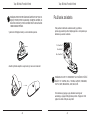
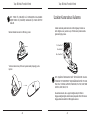
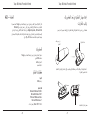
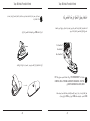
Press the battery cover release button to open the battery cover and
carefully lift the cover as shown.
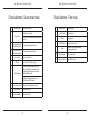
Battery cover
Battery cover release button
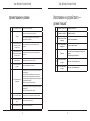
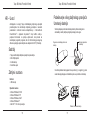
Contents
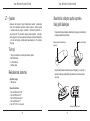
• Targus Multimedia Presentation Remote
• Mini USB Receiver
• 2 x AAA Batteries
• User Guide
System Requirements
Hardware
• USB port
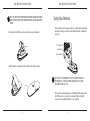
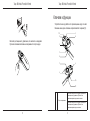
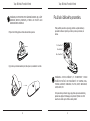
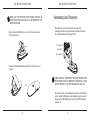
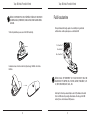
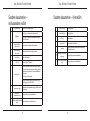
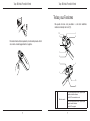
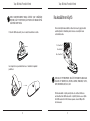
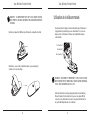
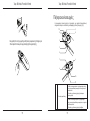
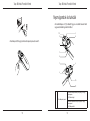
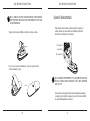
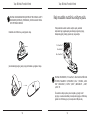
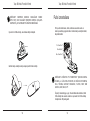
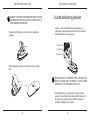
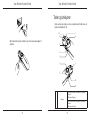
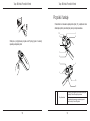
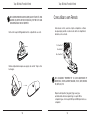
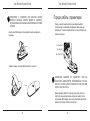
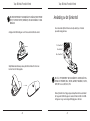
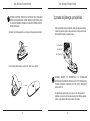
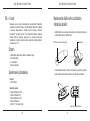
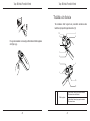
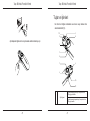
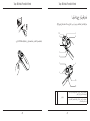
Insert the supplied batteries, making sure the positive (+) and negative
(-) ends of the batteries match the polarity indicators inside the battery
compartment.
Operating System
• Microsoft Windows® 2000
• Microsoft Windows® XP
• Microsoft Windows Vista®
• Microsoft Windows® 7
• Mac OS® X 10.4 or later
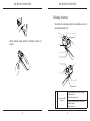
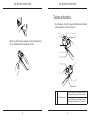
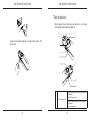
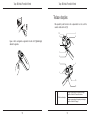
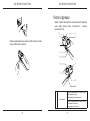
Spare battery compartment
6
7