1
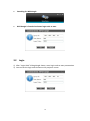
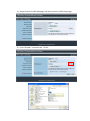
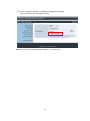
4. The default IP is 192.168.100.10
5.2
Download Software
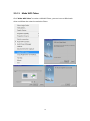
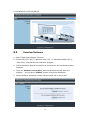
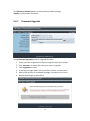
1. Select “Download software” function.
2. Please select the “Win 7 / Windows Vista / XP ” or “Windows Mobile 5/6” or
“Mac Utility” and execute the installation program.
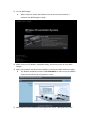
3. Follow Installation Wizard instructions to proceed until the installation process
complete.
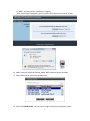
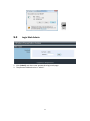
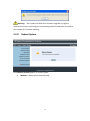
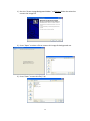
4. If pop up “Windows Security Alert” because Windows firewall block this
program. You just press “Unblock” button to continue installation.
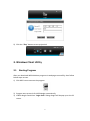
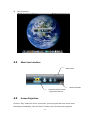
5. Once installation complete, a utility shortcut come out on the screen.
24