1
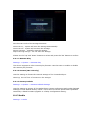
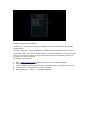
Change Layout
Add to slideshow
Use the arrow ‘Up’ and ‘Down’ buttons to select and press ‘OK’ button to confirm.
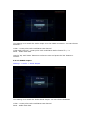
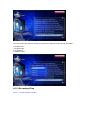
6.6.2.1 Slideshow settings
Photos -> Press ‘Option button -> Slideshow settings
Here you can set the slide transition time from 2 to 30 seconds. You can also set the
slide transitions.
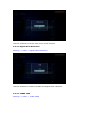
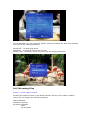
6.6.2.2 Sort by Alphabet
Photos -> Press ‘Option’ button -> Sorted by -> Alphabet
The files are sorted by Alphabet
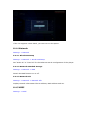
6.6.2.3 Sort by Date
Photos -> Press ‘Option’ button -> Sorted by -> Date
The files are sorted by Date.
6.6.2.4 Sort by Favorites
Photos -> Press ‘Option’ button -> Sorted by -> Favorites
The files are classified by Favorites.
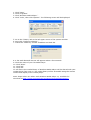
6.6.2.5 Thumbnails
Photos -> Press ‘Option’ button -> Change layout -> Thumbnails
Directory Thumbnail – If there is at least one image file in the directory then the
directory will have a thumbnail which is made from this image file. Otherwise it will
have
a normal thumbnail made from the default directory picture.