1
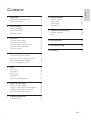
1 Important
Safety and important notice
Trademark notice
2 Your product
Feature highlights
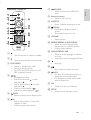
Product overview
Remote control
3 Connect
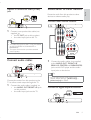
Connect video cables
Connect audio cables
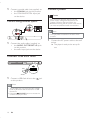
Route audio to other devices
&RQQHFW86%ÁDVKGULYH
Connect power
4 Get started
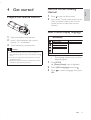
Prepare the remote control
Find the correct viewing channel
Select menu display language
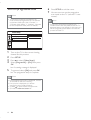
Turn on progressive scan
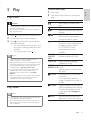
5 Play
Play a disc
Play video
Play music
Play photo
3OD\IURP86%ÁDVKGULYH
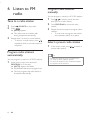
6 Listen to FM radio
Tune to a radio station
Program radio stations automatically
Program radio stations manually
Select a preset radio station
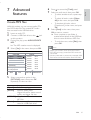
7 Advanced features
&UHDWH03ÀOHV
4
4
5
6
6
6
7
8
8
9
9
10
10
E n glish
Contents
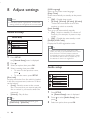
8 Adjust settings
20
20
20
22
23
General setup
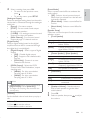
Audio setup
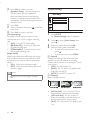
Video setup
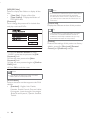
Preferences
9 Additional information
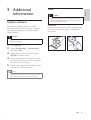
Update software
Care
25
25
25
6SHFLÀFDWLRQV
26
11 Troubleshooting
28
12 Glossary
30
11
11
11
11
12
13
13
13
15
16
17
18
18
18
18
18
19
19
EN
3