1
HD PATTERN SIGNAL GENERATOR SOFTWARE
Favorite Pattern
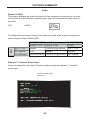
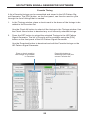
A list of favorite patterns can be assembled and stored in the HD Pattern Signal
Generator. The [FAV] button, on the front panel, can then be used to cycle
through the pattern list that is created.
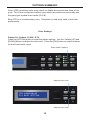
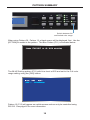
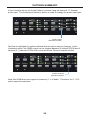
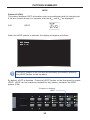
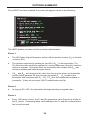
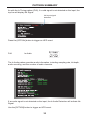
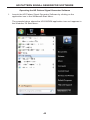
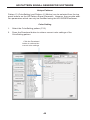
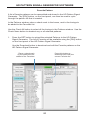
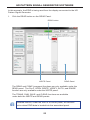
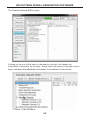
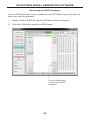
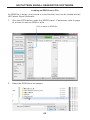
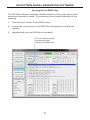
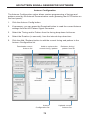
In the Patterns window, place a check mark in the boxes, next to the timings to
be added to the Favorites list.
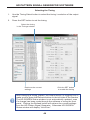
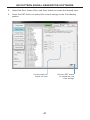
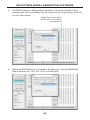
Use the Check All button to select all the timings in the Patterns window. Use the
Check None button to deselect any or all selected patterns.
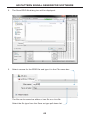
1.
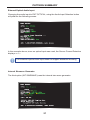
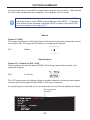
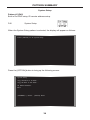
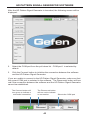
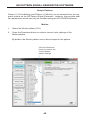
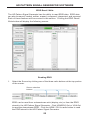
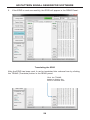
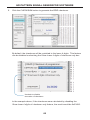
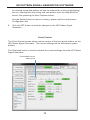
Press the SET button to upload the selected Patterns to the HD Pattern
Signal Generator. The list of Favorite will be available using the [FAV] button
on the front panel of the HD Pattern Signal Generator.
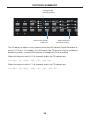
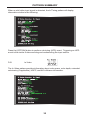
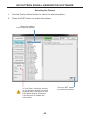
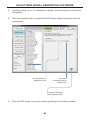
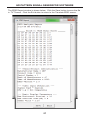
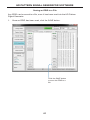
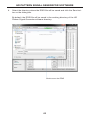
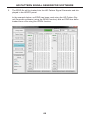
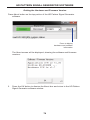
Use the Download button to download and edit the Favorite patterns on the
HD Pattern Signal Generator.
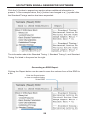
Place a check mark
by the patterns to be
added to the Favorites
Press this button to
download (and edit) the
current Favorite list
51