1
FAX Operation (Basic)
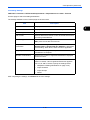
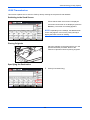
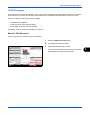
FAX Automatic Reception
When using this machine as a FAX-dedicated machine that does not receive telephone calls, set the machine
to FAX-dedicated reception. No special operation is required when receiving faxes.
NOTE: When you are receiving DRD service from a telephone company, change the reception method to
[Auto (DRD)]. For details, refer to DRD Reception (Available for inch versions only) on page 6-19.
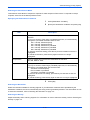
Reception Method
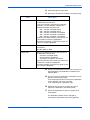
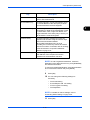
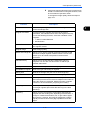
This machine allows the following five reception methods.
•
Auto (Normal)
•
Auto (FAX/TEL) (Refer to page 6-7.)
•
Auto (TAD) (Refer to page 6-9.)
•
Auto (DRD) (Refer to page 6-19.)
•
Manual (Refer to page 4-14.)
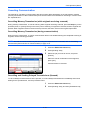
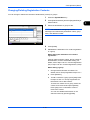
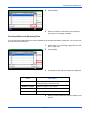
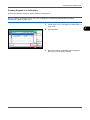
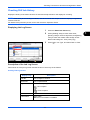
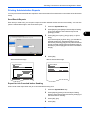
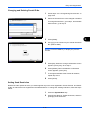
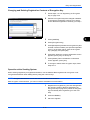
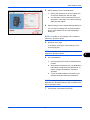
Checking and Changing the Reception Method
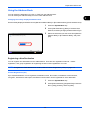
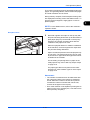
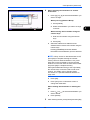
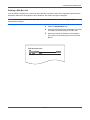
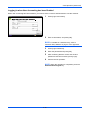
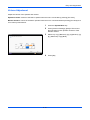
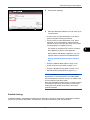
1
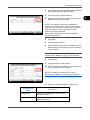
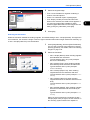
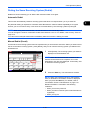
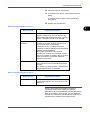
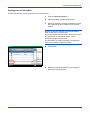
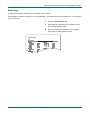
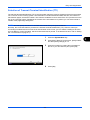
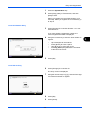
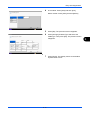
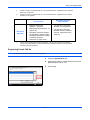
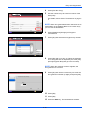
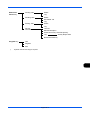
Press the System Menu key.
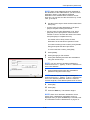
2
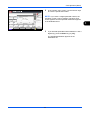
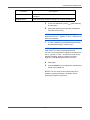
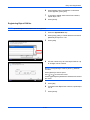
Press [FAX], [Next] of Reception, [Next] of FAX,
and then [Change] of RX Setting.
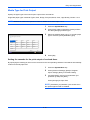
3
Select [Auto (Normal)].
4
Press [OK].
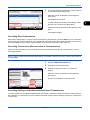
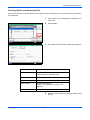
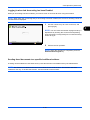
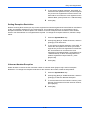
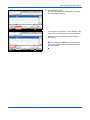
1
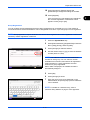
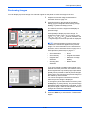
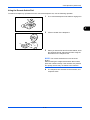
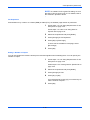
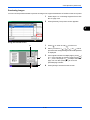
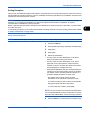
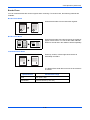
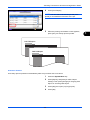
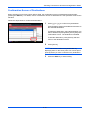
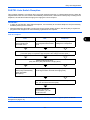
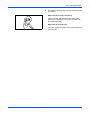
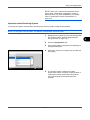
When a fax has been sent to you, the machine
rings the registered number of times, and then
starts receiving the fax.
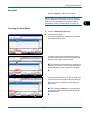
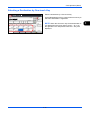
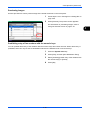
Reception Starts
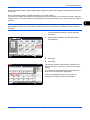
After reception has started, the Processing
indicator blinks.
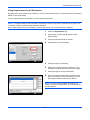
NOTE: You can change the number of times the
ringing tone rings. (Refer to Rings on page 6-11.)
To cancel the reception, refer to Cancelling
Transmission (Disconnection of Communication) on
page 3-15.
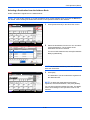
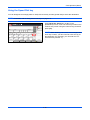
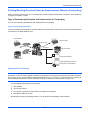
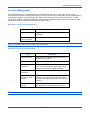
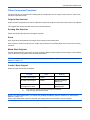
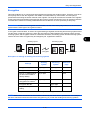
Memory Reception
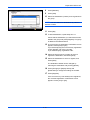
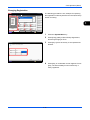
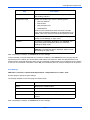
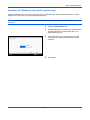
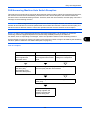
When the machine cannot print a fax due to paper
running out or a paper jams, it temporarily stores
originals that have been sent in the image memory.
When the machine returns to the printable state,
printing starts.
3-12