1
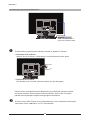
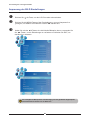
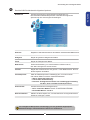
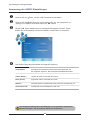
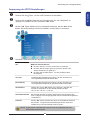
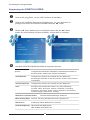
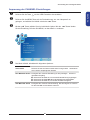
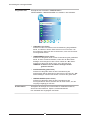
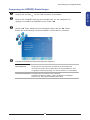
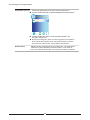
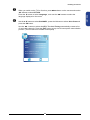
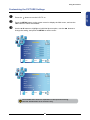
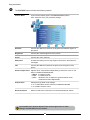
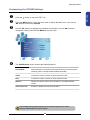
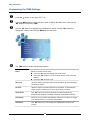
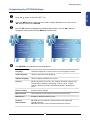
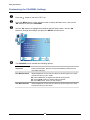
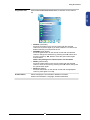
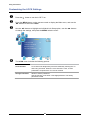
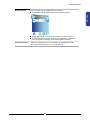
Using the Features Customizing the TIME Settings Press the button to turn the LCD TV on. Press the MENU button on the remote control to display the Main menu, and use the ◄► buttons to select the TIME. Use the ▲▼ buttons to highlight an individual time option, use the ◄► buttons to change the setting, and press the MENU to exit the menu. TIME Clock __ __ Off Time _ _ _ _ off On Time off Sleep Timer off Auto Sleep off Time Zone Canary GMT EXIT Quit Back OK Select The TIME menu includes the following options: Clock Selects to set the current clock. Press the OK button to display the Clock menu: Press the ▲▼ buttons to move to Date, Month, Year, Hour and Minute. Press the ◄► buttons to set. Off Time Allows to set the Off timers that the TV will switch off automatically at the time you select. On Time Allows to set the On timers that the TV will switch on automatically and tune to the mode of your choice at the time you select. Sleep Timer Use ◄► buttons to select a period of time after which the TV automatically switches to standby mode:off/10min/20min~/240min. Auto Sleep Select on, the TV will be automatically turned off, in case of no signal inTV & input source or no remote control input. Time Zone Use ◄► buttons to cycle through the availabletime zones in the country. 30