1
Adjusting the LCD Display
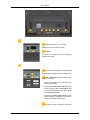
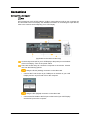
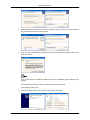
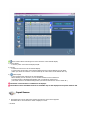
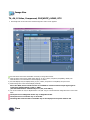
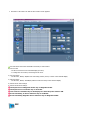
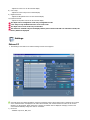
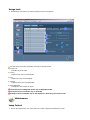
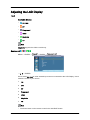
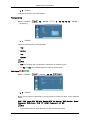
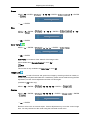
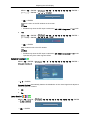
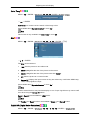
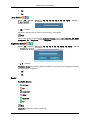
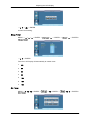
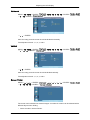
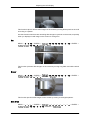
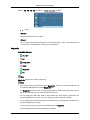
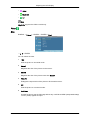
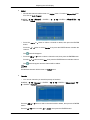
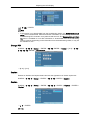
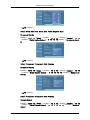
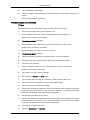
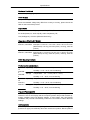
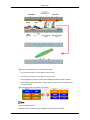
Press the , , or button to select your favorite channels to watch among the labeled
channels. Then press the ENTER button.
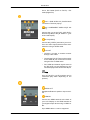
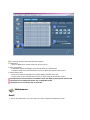
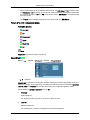
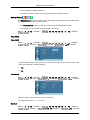
Press the
or
button to select Favorite, then press the ENTER button .
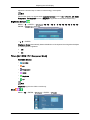
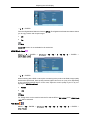
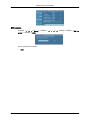
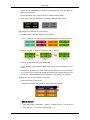
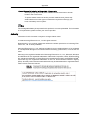
The " " symbol will be highlighted and the channel will be set as a Favorite. To cancel
your Favorite channel selection, press the ENTER button until the" " symbol is no longer highlighted.
Note
Only memorized channels can be set as favorite channels.
All favorite channels will be shown in the Favorite menu.
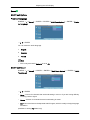
Note
•
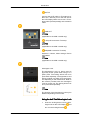
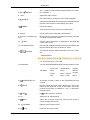
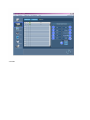
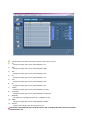
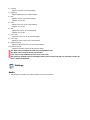
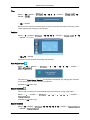
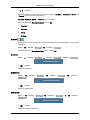
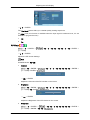
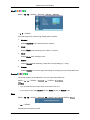
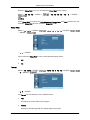
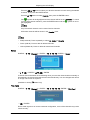
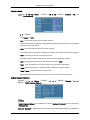
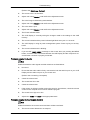
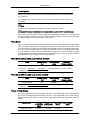
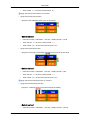
Red(List Mode): Press repeatedly to select All, Added or Favorite.
•
Green (Add All): Press to add all deleted channels.
•
Yellow (Delete All): Press to delete all memorized channels.
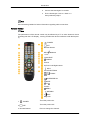
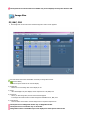
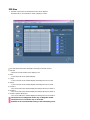
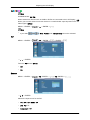
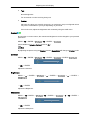
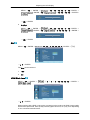
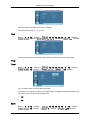
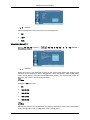
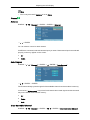
Name
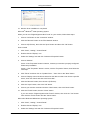
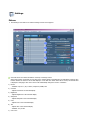
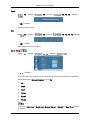
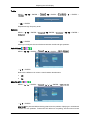
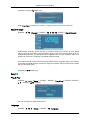
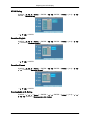
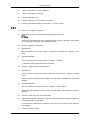
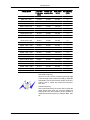
D.MENU → → → [Channel] → ENTER → → → → → ENTER→ [Name]
→
,
/ , → ENTER→
,
/ , → ENTER
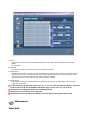
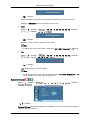
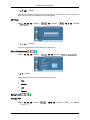
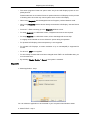
If channel name information is broadcasting when you store the channels either manually or
automatically, the names are assigned to the channels directly. You can change these names
or assign new names as required.
(Available in Analog TV Mode Only)
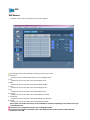
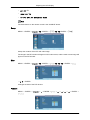
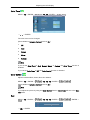
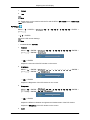
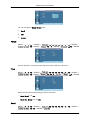
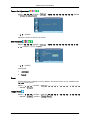
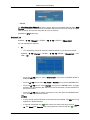
Fine Tune
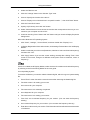
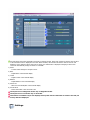
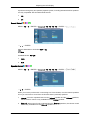
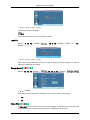
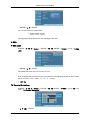
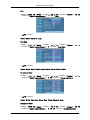
D.MENU → → → [Channel] → ENTER → → → → → → ENTER→ [Fine Tune]
→ , → ENTER
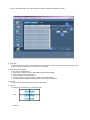
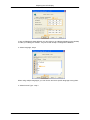
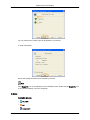
Due to weak signals or an incorrect antenna configuration, some of the channels may not be
tuned correctly.
93