1
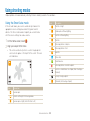
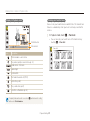
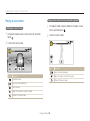
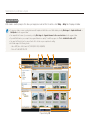
Using the Home screen
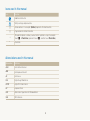
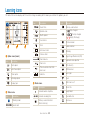
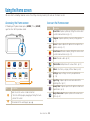
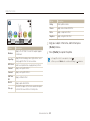
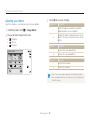
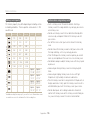
Icon
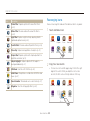
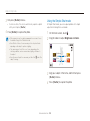
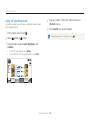
Rearranging icons
Description
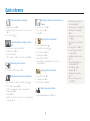
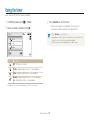
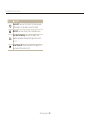
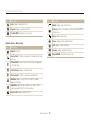
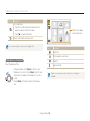
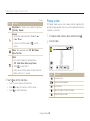
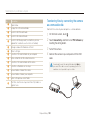
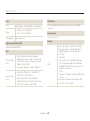
Photo Filter: Capture a photo with various filter effects.
(p. 42)
Movie Filter: Record a video with various filter effects.
(p. 44)
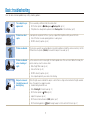
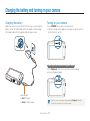
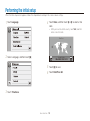
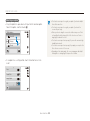
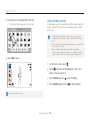
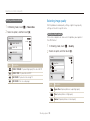
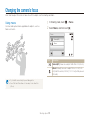
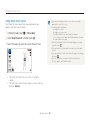
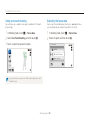
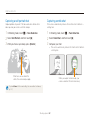
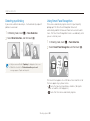
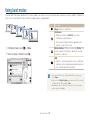
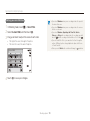
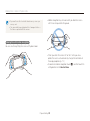
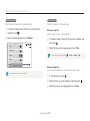
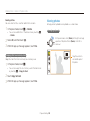
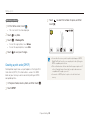
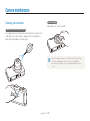
You can rearrange the icons on the Home screen in any order.
1
Touch and hold an icon.
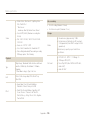
Night Shot: Capture a night scene by adjusting shutter
speed and aperture value. (p. 36)
Smart Auto
Program
Scene
Smart movie
Movie
Photo Editor
Album
Settings
Palette Effect: Record a video with palette effects. (p. 46)
Close Up: Capture close-up photos of subjects. (p. 35)
Simple Shot: Capture a photo with simple adjustments to
brightness and color. (p. 34)
Object Highlight: Capture a photo with the subject's
background blurred. (p. 41)
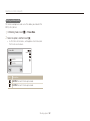
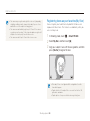
2
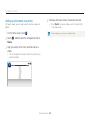
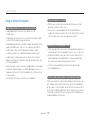
Drag it to a new location.
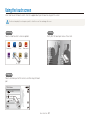
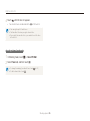
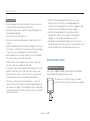
• To move an icon to another page, drag it to the left or right
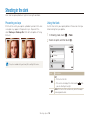
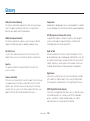
3D Album: View files with 3D effects. (p. 83)
Slide Show: View photos as a slide show with effects and
music. (p. 87)
edge of the screen. When you drop the icon to a new
location, the other icons will neatly slide out of the way.
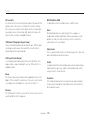
Voice Recorder: Record and save a voice memo. (p. 47)
Smart Auto
Magazine: View files with page flip effect. (p. 83)
Movie
Basic functions 25
Program
Scene
Album
Smart movie
Settings