1
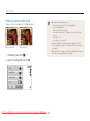
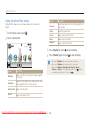
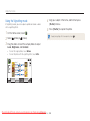
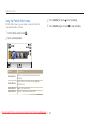
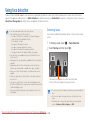
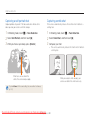
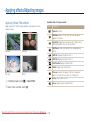
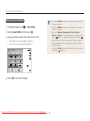
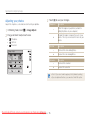
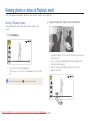
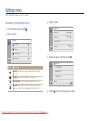
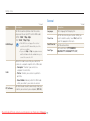
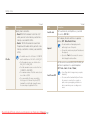
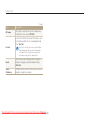
Viewing photos or videos in Playback mode
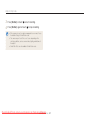
• If you want to view files stored in the internal memory, remove your
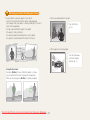
• Motion recognition may not work well if you hold the camera
with the screen parallel to the ground.
memory card.
• The camera will not play back files of unsupported sizes or files that
were captured with other cameras properly.
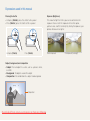
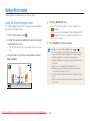
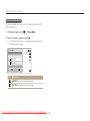
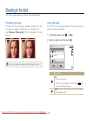
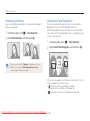
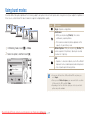
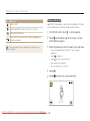
Viewing files with motion recognition
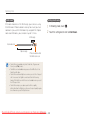
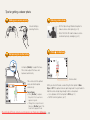
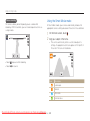
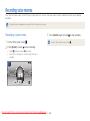
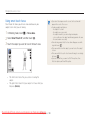
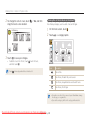
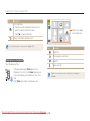
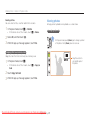
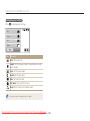
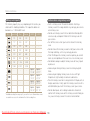
You can view files by tilting the camera in Playback mode.
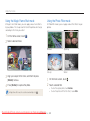
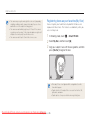
• When you rotate the camera 90° or 180° while you view a
photo, the camera will automatically change the orientation of
the displayed photo. (p. 112)
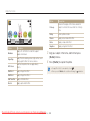
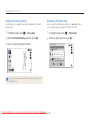
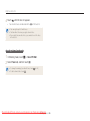
• To deactivate motion recognition, touch m, and then touch the
setting button next to Gesture View.
Downloaded From camera-usermanual.com Samsung Playback/Editing
Manuals
81