1
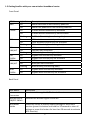
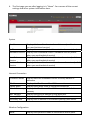
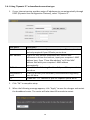
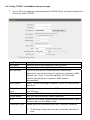
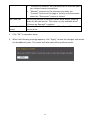
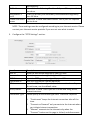
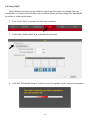
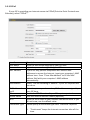
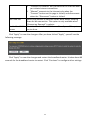
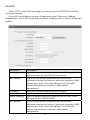
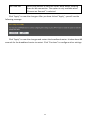
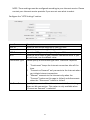
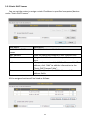
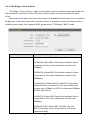
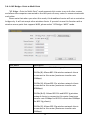
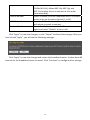
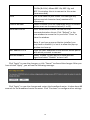
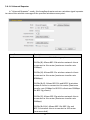
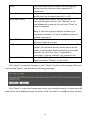
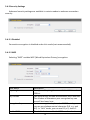
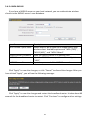
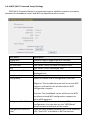
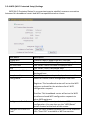
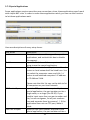
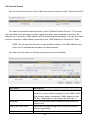
3‐2‐6 WISP If your Internet service provider is providing you Internet service wirelessly, select “WISP”. Item Name WISP ESSID Wireless Band Channel Number Site Survey Security Settings Description Enable or disable the WISP function. Input the name of your Internet service provider’s wireless access point here. Set the wireless frequency range in accordance with your Internet service provider’s requirements. Select the channel number that corresponds to that of your Internet service provider’s wireless access point. Click “Select Site Survey” and a pop‐up window will appear. All reachable wireless access points will be shown in the window. Select a wireless access point from the list, and click “Done” to establish a connection. Clicking “Refresh” will renew the list. Configure the security settings in accordance to your Internet service provider’s requirements. 59