1
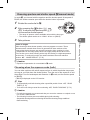
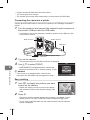
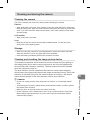
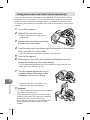
Charging and inserting the battery
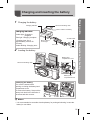
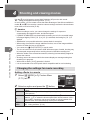
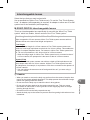
Charging the battery.
Charging indicator
Direction indicating mark
3
BLS-1 Lithium ion battery
charging indicator
2
1
AC wall outlet
BCS-1 Lithium
ion charger
2
AC cable
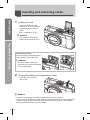
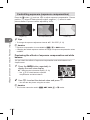
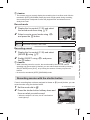
Loading the battery.
Battery/card
compartment cover
Direction indicating mark
2
3
Preparations for shooting
Amber light: Charging in
progress
Blue light: Charging complete
(Charging time: Up to
approximately 3 hours 30
minutes)
Amber blinking: Charging error
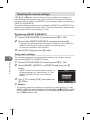
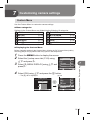
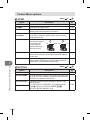
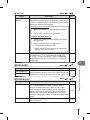
Basic guide
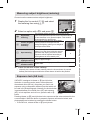
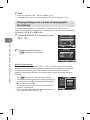
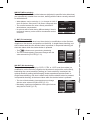
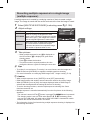
1
1
Battery/card
compartment lock
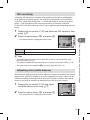
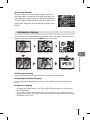
Removing the battery
Turn off the camera before
opening or closing the battery/card
compartment cover.
To remove the battery, first push the
battery lock knob in the direction of
the arrow and then remove.
$ Notes
• It is recommended to set aside a backup battery for prolonged shooting in case the
battery in use drains.
EN