1
Installing Optional and Supplied Accessories
Installing the Wireless LAN Unit (ELPAP03) (EBG5950/G5650W only)
143
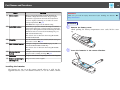
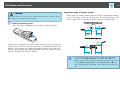
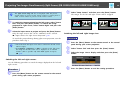
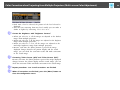
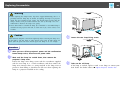
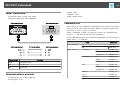
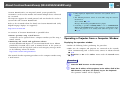
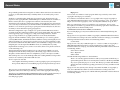
C Secure the Wireless LAN unit using the supplied screw to avoid
losing the unit.
Attaching
Procedure
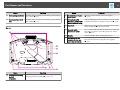
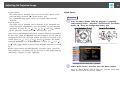
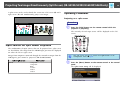
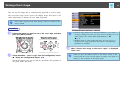
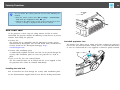
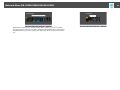
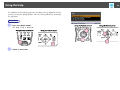
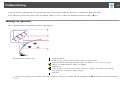
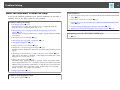
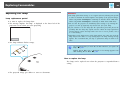
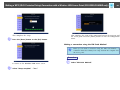
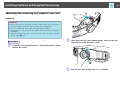
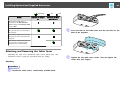
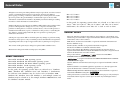
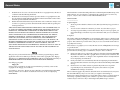
A Remove the cover from the Wireless LAN unit installation
section on the projector. Store the cover so that it is not lost.
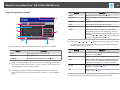
A Screw hole to fix Wireless LAN unit
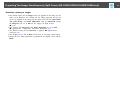
When connecting a projector to which the Wireless LAN unit is mounted
to a computer using a wireless LAN, set the Wireless LAN Power setting
on the Wireless LAN menu to On. (The default setting is On.)
s p.70
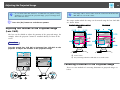
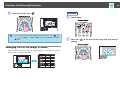
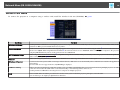
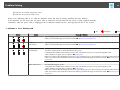
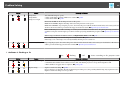
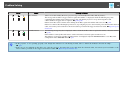
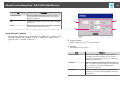
Reading the wireless LAN indicators
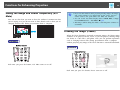
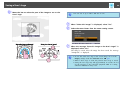
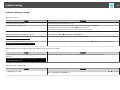
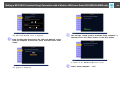
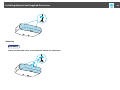
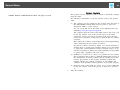
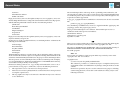
B Install the Wireless LAN unit.
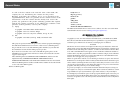
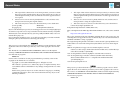
There are two Wireless LAN indicators, one on the projector and one on
the Wireless LAN unit.