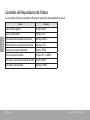
1
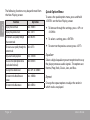
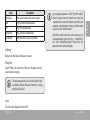
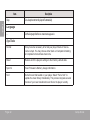
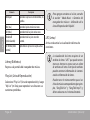
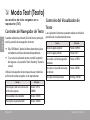
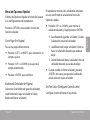
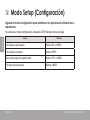
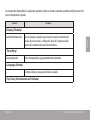
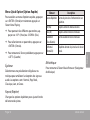
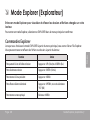
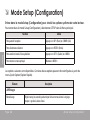
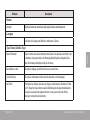
Skip to a page directly. Press <LEFT> or <RIGHT> to select a field to adjust. Press <UP> or <DOWN> to adjust the selected field. Load Bookmark: Open (go to) the desired bookmark that you choosed just now. Delete Bookmark: Delete the desired bookmark that you choosed just now. When you toogle to the last bookmark, press <ENTER> twice to save the current location as a new bookmark. Press <ENTER> to confirm. Set Font Color Bookmark Set the text color of the display. Select to Save Bookmark, Load Bookmark, or Delete Bookmark. Auto Scroll The player will display the previous bookmark(s) after you confirm Bookmark from the Quick Option menu. Auto Scroll Time Press <UP> or <DOWN> to display the desired bookmark, then press <ENTER>: Save Bookmark: Save the current location as a bookmark. Page 21 Set the auto page scroll on or off. Press <UP> or <DOWN> to adjust the amount of time between pages during Auto Scroll mode. You can override the auto-scroll function by pressing <DOWN> or <UP> at any time. Text Mode English Go to Page