1
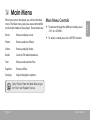
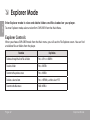
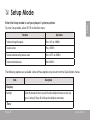
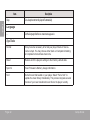
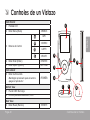
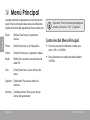
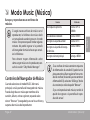
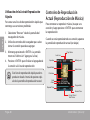
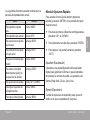
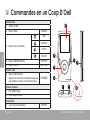
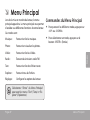
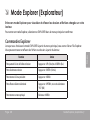
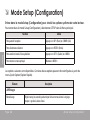
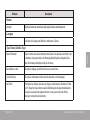
When you turn on the player, you will see the Main menu. The Main menu gives you access to the different function modes of your player. These modes are: Music: Browse and play music. Photo: Browse and view Photo. Video: Browse and play Video. Radio: Listen to FM radio broadcasts. Text: Browse and read text files. Explorer: Browse all files. Settings: Adjust the player’s options. Main Menu Controls To browse through the different modes, press <UP> or <DOWN>. To select a mode, press the <ENTER> button. Select “Extras” from the Main Menu to get the “Text” and “Explorer” menus. Page 9 Main Menu English ÂÂ Main Menu