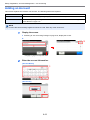
1
Sending > Basic Operation
1
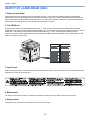
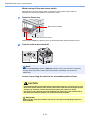
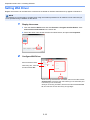
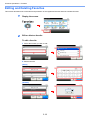
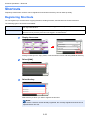
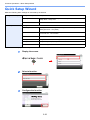
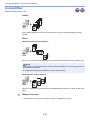
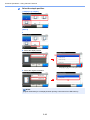
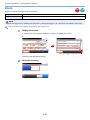
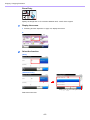
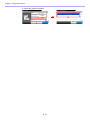
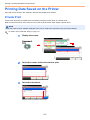
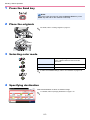
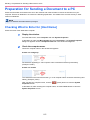
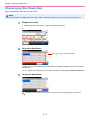
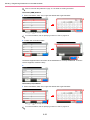
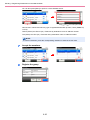
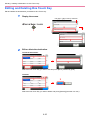
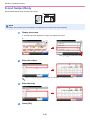
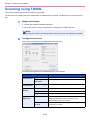
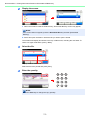
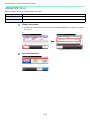
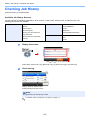
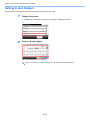
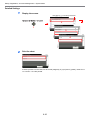
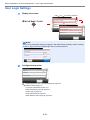
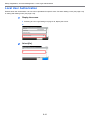
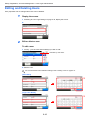
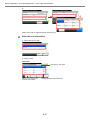
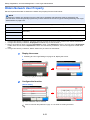
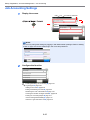
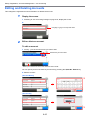
Press the Send key
NOTE
If the touch panel is turned off, press the Energy Saver key or the
Power key and wait for the machine to warm up.
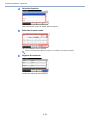
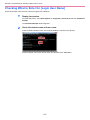
2
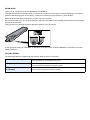
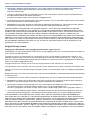
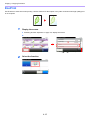
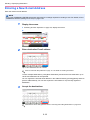
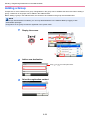
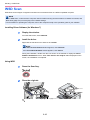
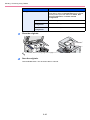
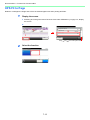
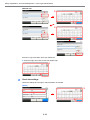
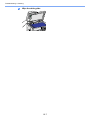
Place the originals
For details, refer to Loading Originals on page 3-7.
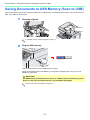
3
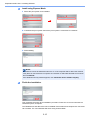
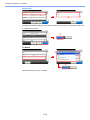
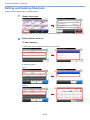
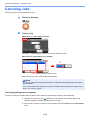
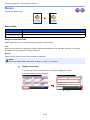
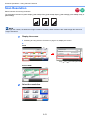
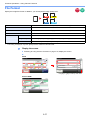
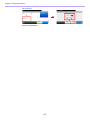
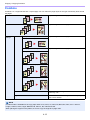
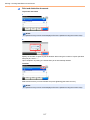
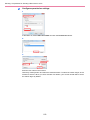
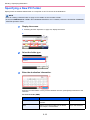
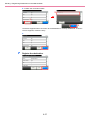
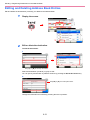
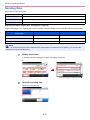
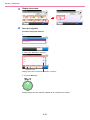
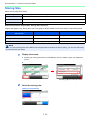
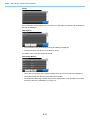
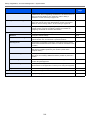
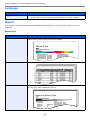
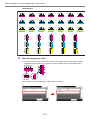
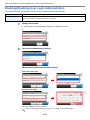
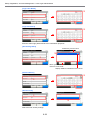
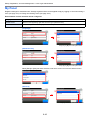
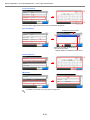
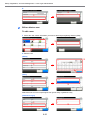
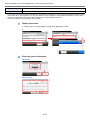
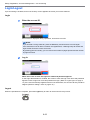
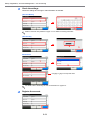
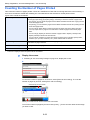
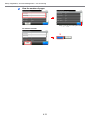
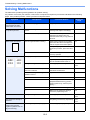
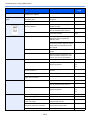
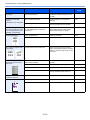
Selecting color mode
Auto Color
Automatically recognizes whether a document is
color or black & white and then scans the
document.
Full Color
Scans all documents in full color.
Black & White
Scans all documents in black & white.
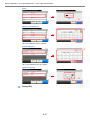
To make more detailed settings, refer to Color Selection on page 3-59.
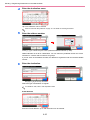
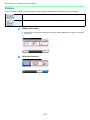
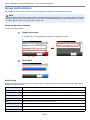
4
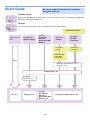
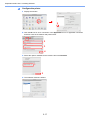
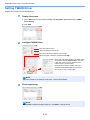
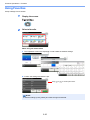
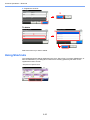
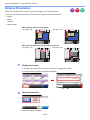
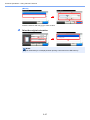
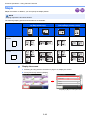
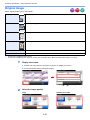
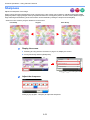
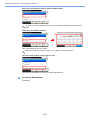
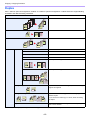
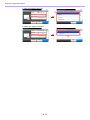
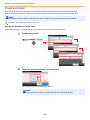
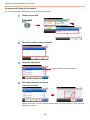
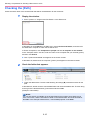
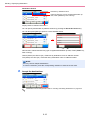
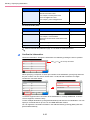
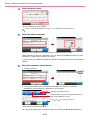
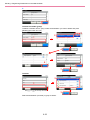
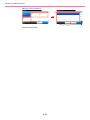
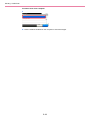
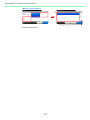
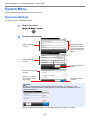
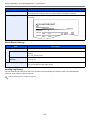
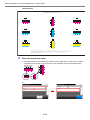
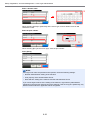
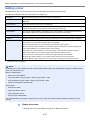
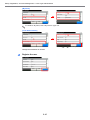
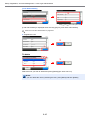
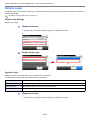
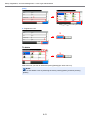
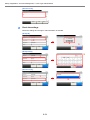
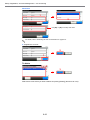
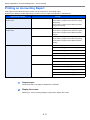
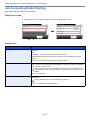
Specifying destination
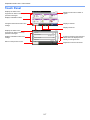
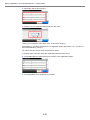
10:10
Ready to send.
Send
Dest. :
Check
Recall
One Touch Key
Address Book
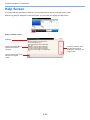
Select the destination to which to send an image.
For details, refer to Specifying Destination on page 6-15.
Ext Address Book
GB0055_00
1/2
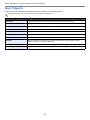
E-mail
Functions
Folder
FAX
Favorites
6-3