1
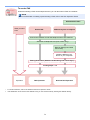
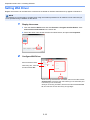
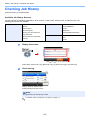
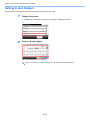
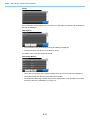
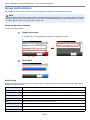
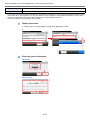
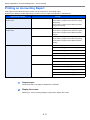
Status / Job Cancel > Checking Job Status
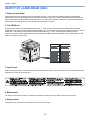
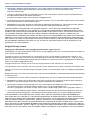
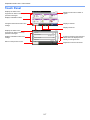
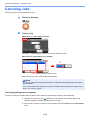
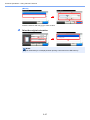
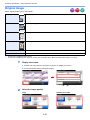
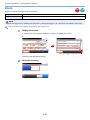
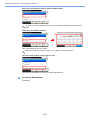
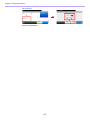
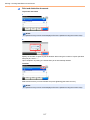
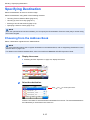
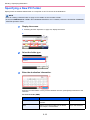
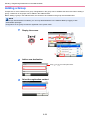
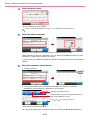
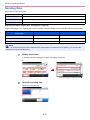
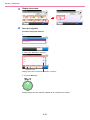
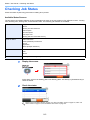
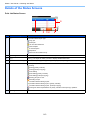
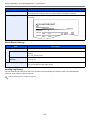
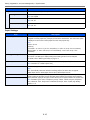
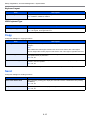
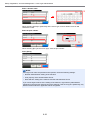
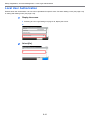
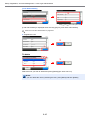
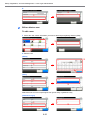
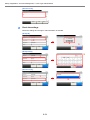
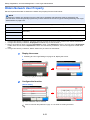
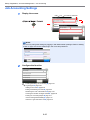
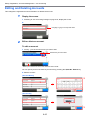
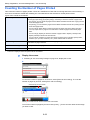
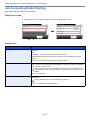
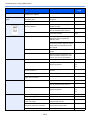
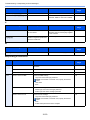
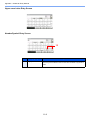
Store Job Status screen
Status/Job Cancel.
Store Job Status
0016
10:10
doc0000162010082913...
Storing
4
Cancel
1
No.
1
2
Close
3
5
Display/Key
—
GB0184_00
1/1
Details
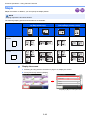
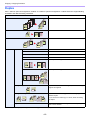
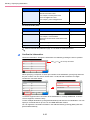
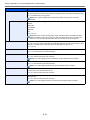
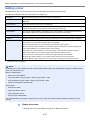
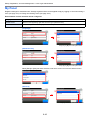
Icons that indicate the job type
Storing Job Scan
Storing Job Printer
Storing Job FAX
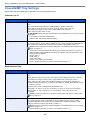
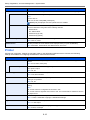
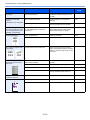
2
[Cancel]
Select the job you want to cancel from the list, and press this key.
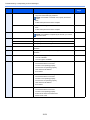
3
[...]
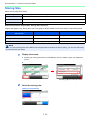
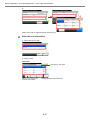
Press […] for the job for which you wish to display detailed information.
4
—
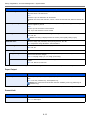
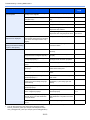
Status of job
Storing Data
Pausing the job or error
Canceling the job
The status before starting to save such as during scanning originals
5
[Close]
Closes the Store Job Status screen.
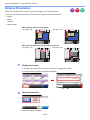
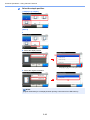
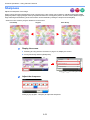
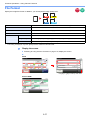
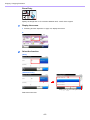
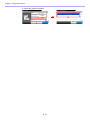
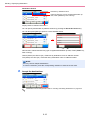
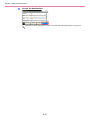
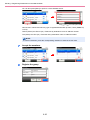
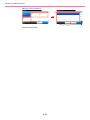
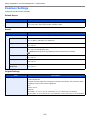
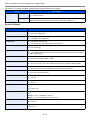
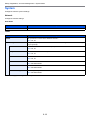
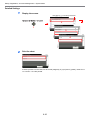
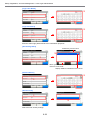
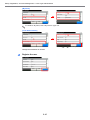
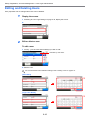
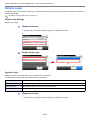
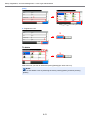
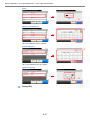
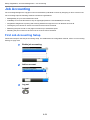
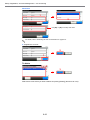
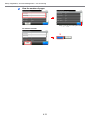
Scheduled Job screen
Status/Job Cancel.
Scheduled Job
0014
10:10
1233
04:00
5
Menu
1 2
No.
1
Cancel
3
Close
4
Display/Key
—
GB0185_00
1/1
6
Details
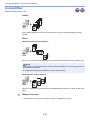
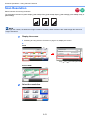
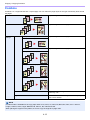
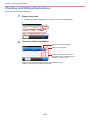
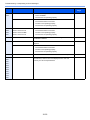
Icons that indicate the job type
Sending Job FAX
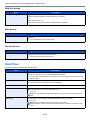
2
[Menu]
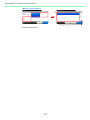
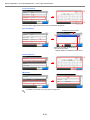
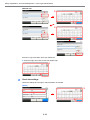
Pressing this key displays [Start Now]. Select the job you wish to send immediately and then
press [Menu], followed by [Start Now].
3
[Cancel]
Select the job you want to cancel from the list, and press this key.
4
[...]
Press […] for the job for which you wish to display detailed information.
5
—
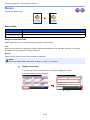
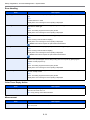
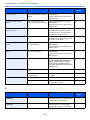
Status of job
Sending Waiting
6
[Close]
Closes the Scheduled Job screen.
8-5