1
4. Software changes
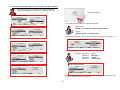
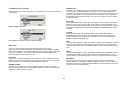
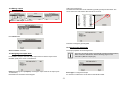
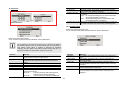
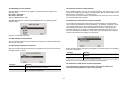
4.1. “Normal Alarm” zone type with FTS 96 E function
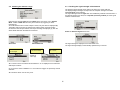
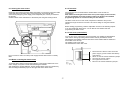
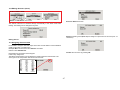
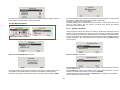
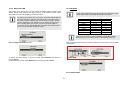
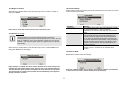
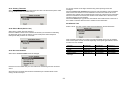
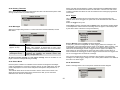
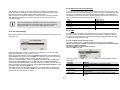
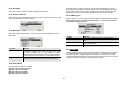
To use the FTS 96 E wireless window lock (item no. FU841x) or the FTS 96 wireless upgrade set (item no.
FU8402), program the “Normal Alarm” zone type in the alarm centre.
•
•
•
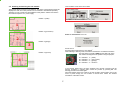
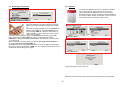
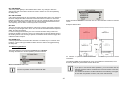
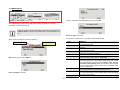
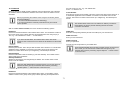
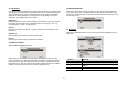
When the alarm centre is deactivated, these detectors are monitored for detachment and opening.
The window must be closed and the FTS 96 E locked. Monitoring begins 30 seconds after locking
(the FTS 96 E requires a self-calibration time of 30 seconds).
Monitoring is no longer made when the FTS 96 E is unlocked. If an attempt is made to open the window
without unlocking the FTS 96 E first, then an alarm can be triggered by movements to the window sash.
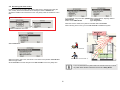
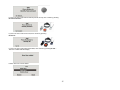
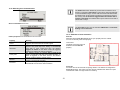
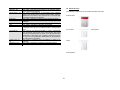
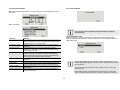
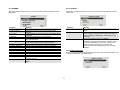
A passive glass breakage detector (item no. FU7300) can be connected to the FTS 96 E. If this detector
registers a glass breakage, then this always leads to an alarm in the alarm centre. The alarm centre carries
out the actions specified for the activated or deactivated state.
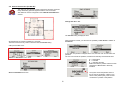
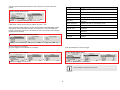
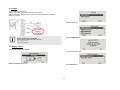
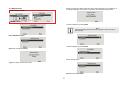
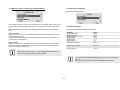
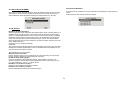
4.2. Social care messages when communicating with ALARMS
•
•
The “QA” code in the SIA protocol in “Basic”, “Summary”, “Intermediate” and “Full”.
The “101” code in the Contact ID protocol.
A1 - VII