1
FM recording
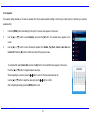
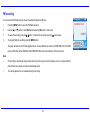
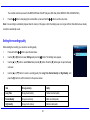
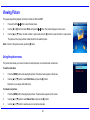
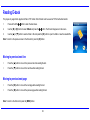
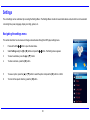
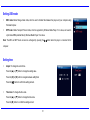
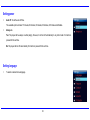
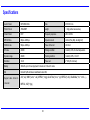
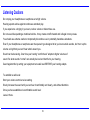
You can record the FM Radio program at any time while listening to the FM radio.
1.
Press the [MENU] button to open the FM Radio sub-menu.
2.
Use the [S] or [T] button to select Record and press the [X] button to start record.
3.
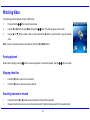
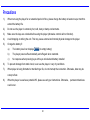
To pause the recording, press the [
4.
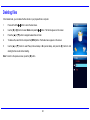
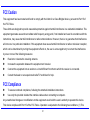
To stop and finish the recording, press the [MENU] button.
] button. To resume the recording, press the [
] button again.
The player will return to the FM radio playback mode. The recorded files are saved in the FMIN.DIR folder of the MP3
player as WAV files (format: FM000001.WAV, FM000002.WAV) and can be listened to in the Voice mode.
Note:
y
FM recording is automatically stopped when the memory of the player is full or the battery power is no longer sufficient.
Date that has been already recorded is automatically saved.
y
The volume adjustment is not available during the recording.
23