1
Chapter 3: System Interface
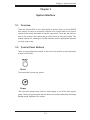
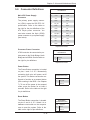
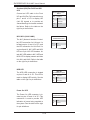
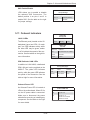
Power
Indicates power is being supplied to the system's power supply units. This LED
should normally be illuminated when the system is operating.
3-4
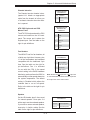
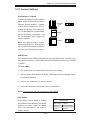
Drive Carrier LEDs
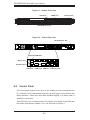
Each drive carrier has two LEDs.
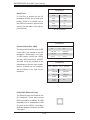
SAS Drives
•
•
Green: When illuminated, the green LED on the drive carrier indicates the drive
is powered on. If this LED is not lit, it means no power is being provided for the
drive. Please refer to Chapter 6 for instructions on replacing failed drives.
Red: A solid red LED indicates a drive failure. If one of the drives fails, you
should be notified by your system management software. Please refer to Chapter
6 for instructions on replacing failed drives. If this LED flashes ~ once per second
it indicates RAID rebuilding activity.
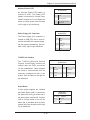
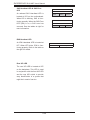
SATA Drives
•
•
Green: When illuminated, the green LED on the drive carrier indicates drive
activity. A connection to the backplane enables this LED to blink on and off
when that particular drive is being accessed.
Red: The red LED to indicate a drive failure. If one of the drives fails, you should
be notified by your system management software. Please refer to Chapter 6 for
instructions on replacing failed drives.
3-3