1
Installing storage devices
3
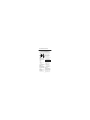
External Hard Drive Installation
• Take the 1’ long cable provided and
insert appropriate end into your hard
drive.
• Insert your hard drive into the pocket on
the inside of the safe door.
• Connect the other end of the cable to
the interior USB port.
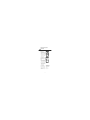
Flash Drives and Miscellaneous
• Plug your flash drive directly into the
internal USB port on the inside of the
safe door.
• For other installations, use the cable
provided with your device and connect it
to the USB port inside the safe.
If you have completed the
following…
• Successfully accessed your safe
• Installed cable connections
• Installed hard drive and/or flash drive
…you are ready to move on to
optional items:
• Programming additional codes
• Floor mounting
4-E