1
Chapter 3 Installation
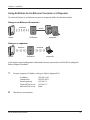
Using AirStation As An Ethernet Converter or A Repeater
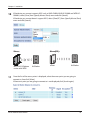
To use the AirStation as an Ethernet converter or a repeater, follow the directions below.
Using as an Ethernet Converter:
wireless
wired
router
AirStation
computer
Using as a repeater:
wireless
router
wireless
AirStation
computer
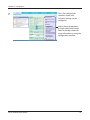
In this section, manual configuration is described. However, you can also use AOSS/WPS to configure it.
Refer to Chapter 5 for details.
1
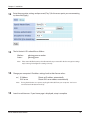
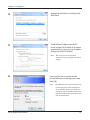
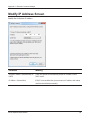
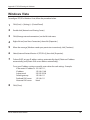
Set your computer’s IP address settings as follows (Appendix D).
2
IP Address
Subnet mask
Default gateway
Preferred DNS server
Alternate DNS server
192.168.11.80
255.255.255.0
192.168.11.1
192.168.11.1
blank
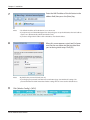
Shut down your computer.
WLAE-AG300N User Manual
15