1
Appendix D TCP/IP Settings in Windows
Windows Vista
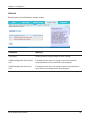
To configure TCP/IP in Windows Vista, follow the procedure below.
1
Click [Start] > [Settings] > [Control Panel].
2
Double click [Network and Sharing Center].
3
Click [Manage network connections] on the left side menu.
4
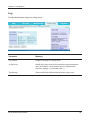
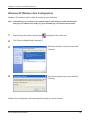
Right click on [Local Area Connection], then click [Properties].
5
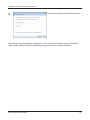
When the message [Windows needs your permission to continue], click [Continue].
6
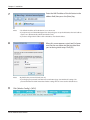
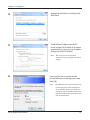
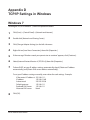
Select [Internet Protocol Version 4 (TCP/IPv4)], then click [Properties].
7
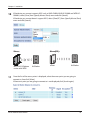
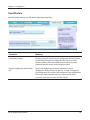
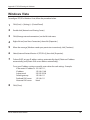
To have DHCP set your IP address settings automatically, check [Obtain an IP address
automatically] and [Obtain DNS server address automatically].
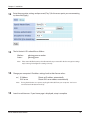
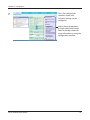
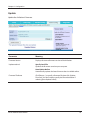
To set your IP address settings manually, enter values for each settings. Example:
8
If the router’s IP address is 192.168.11.1,
IP address
192.168.11.80
Subnet mask
255.255.255.0
Default gateway
192.168.11.1
Preferred DNS server
192.168.11.1
Alternate DNS server
blank
Click [Close].
WLAE-AG300N User Manual
86