1
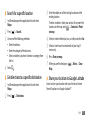
• Install encrypted certificates from SD card: Install
encrypted certificates that are stored on a memory card.
• Set password: Create and confirm a password for
accessing credentials.
• Clear storage: Erase the credential contents from the
device and reset the password.
Applications
Change the setting for managing installed applications.
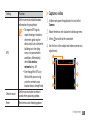
• Unknown sources: Select to download applications
from any source. If you do not select this option, you can
download applications only from Android Market.
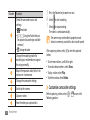
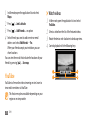
• Manage applications: Access the list of the applications
installed on the device and check the application
information. To view the applications that are currently
running or third-party applications installed additionally,
press [ ] → Filter.
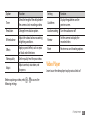
• Running services: View the services you are using and
access them to manage.
• Development:
-- USB debugging: Select to connect your device to
a PC by using a PC data cable. This is for application
development.
-- Stay awake: Set the device’s screen to stay on while
charging the battery.
-- Allow mock locations: Allow mock locations and
service information to be sent to a Location Manager
service for testing. This is for application development.
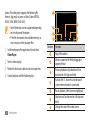
• Samsung Apps: Select a network connection (Wi-Fi or
packet switched data network) to get notifications for
new applications from Samsung Apps.
The feature may be unavailable depending on your
region or service provider.
Settings
103