1
can use this function to stop computers in local network from accessing
the site you defined here.
This function is useful for parents and company managers.
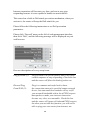
Please follow the following instructions to set URL blocking parameters:
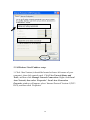
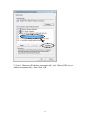
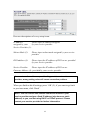
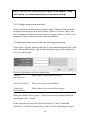
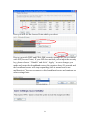
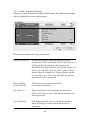
Please click ‘Firewall’ menu on the left of web management interface,
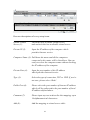
then click ‘URL Blocking’, and the following message will be displayed
on your web browser:
1
2
3
4
5
6
7
8
9
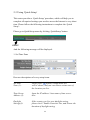
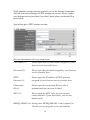
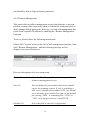
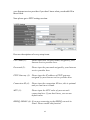
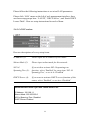
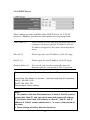
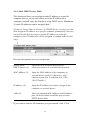
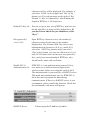
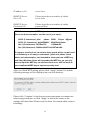
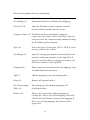
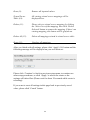
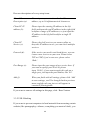
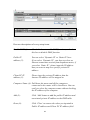
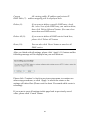
Here are descriptions of every setup items:
Enable URL
Blocking (1):
Check this box to enforce URL Blocking,
uncheck it to disable URL Blocking.
URL/Keyword (2):
Input the URL (host name or IP address of website,
like http://www.blocked-site.com or
http://11.22.33.44), or the keyword which is
contained in URL (like pornography, cartoon, stock,
or anything).
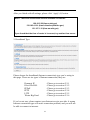
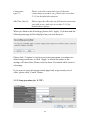
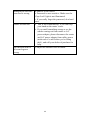
Add (3):
Click ‘Add’ button to add the URL / keyword to the
URL / Keyword filtering table.
Reset (4):
Click ‘Reset’ to remove the value you inputted in
URL/Keyword field.
106