1
2.2.2 Installing the Scanner Driver
NOTE:
To ensure your computer can identify the USB scanner, please
install scanner driver first before connecting the scanner to
your computer.
1.
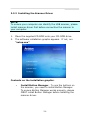
Place the supplied CD-ROM onto your CD-ROM drive.
2.
The software installation graphic appears. If not, run
“setup.exe”.
Contents on the installation graphic:
y
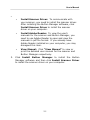
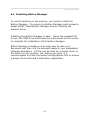
Install Button Manager: To use the buttons on
the scanner, you need to install Button Manager.
To ensure Button Manager works properly, please
FIRST install Button Manager before installing the
scanner driver.
2-4