1
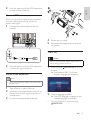
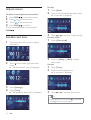
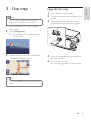
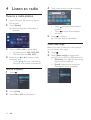
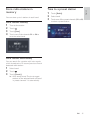
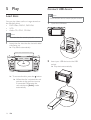
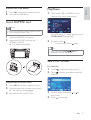
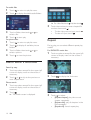
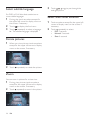
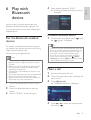
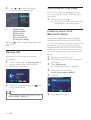
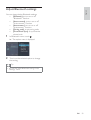
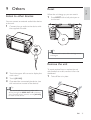
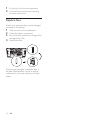
9 Others E n gl i sh Reset When the unit hangs up, you can reset it. Listen to other devices 1 Press RESET with a ball-point pen or similar tool. You can connect an external audio/video device to the unit. 1 Connect the car audio to the device with the supplied AV cable. AV IN Tip When the unit is reset, all the settings remain unchanged. Remove the unit 2 Touch the upper left corner to display the main menu. 3 4 Touch [AV-IN1]. To repair, replace fuse, or replace the unit with another car audio, remove it from the dashboard. 1 Take off the trim plate. Operated the connected the device (see the instructions manual of the device). Tip If you connected the system to other audio device through the REAR OUT L/R connector (see “Connect wires” section), touch [AV-IN2] to listen to that device. EN 31