1
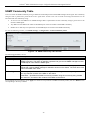
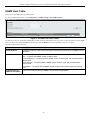
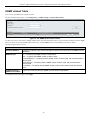
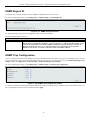
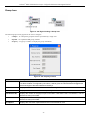
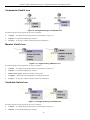
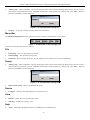
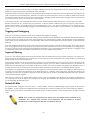
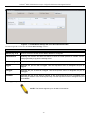
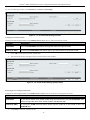
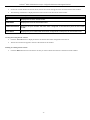
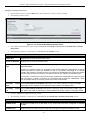
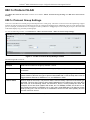
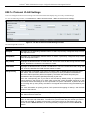
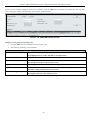
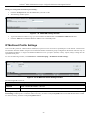
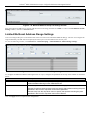
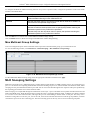
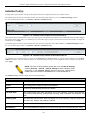
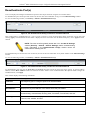
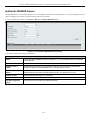
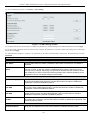
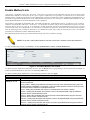
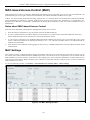
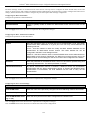
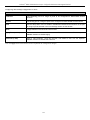
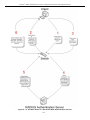
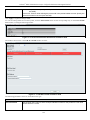
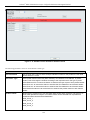
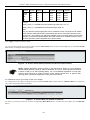
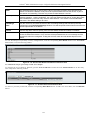
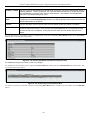
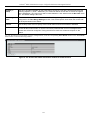
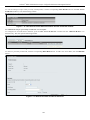
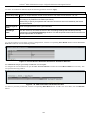
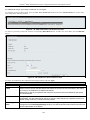
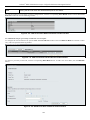
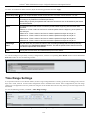
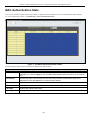
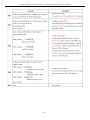
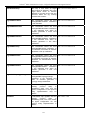
xStack® DGS-3200 Series Layer 2 Gigabit Ethernet Managed Switch Commander Switch Icon Figure 2 - 60. Right-Clicking a Commander Icon The following options may appear for the user to configure: Collapse – To collapse the group that will be represented by a single icon. Expand – To expand the SIM group, in detail. Property – To pop up a window to display the group information. Member Switch Icon Figure 2 - 61. Right-Clicking a Member icon The following options may appear for the user to configure: Collapse – To collapse the group that will be represented by a single icon. Expand – To expand the SIM group, in detail. Remove from group – Remove a member from a group. Configure – Launch the web management to configure the Switch. Property – To pop up a window to display the device information. Candidate Switch Icon Figure 2 - 62. Right-Clicking a Candidate icon The following options may appear for the user to configure: Collapse – To collapse the group that will be represented by a single icon. Expand – To expand the SIM group, in detail. 56