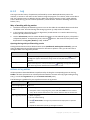
1
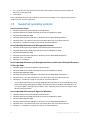
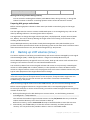
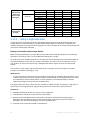
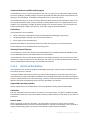
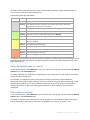
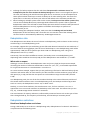
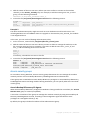
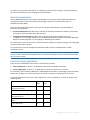
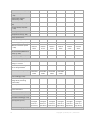
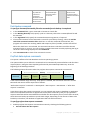
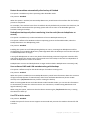
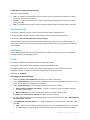
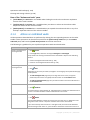
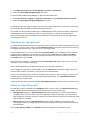
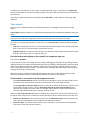
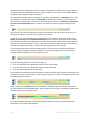
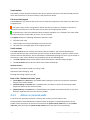
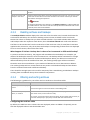
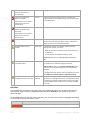
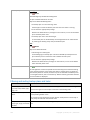
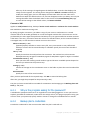
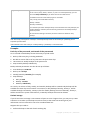
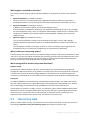
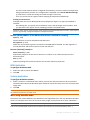
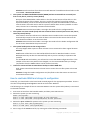
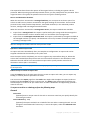
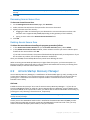
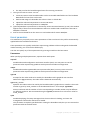
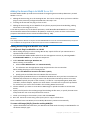
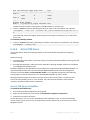
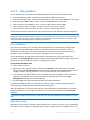
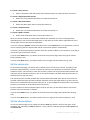
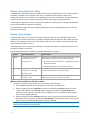
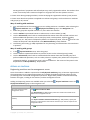
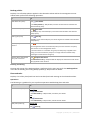
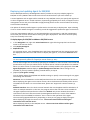
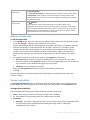
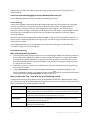
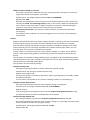
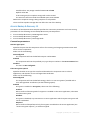
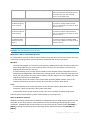
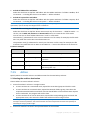
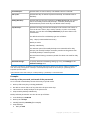
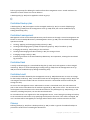
less than 10% free space. View vaults will take you to the
Centralized vaults (p. 127) view where you can examine
the vault size, free space, content and take the necessary
steps to increase the free space.
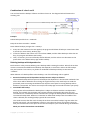
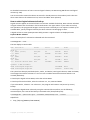
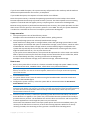
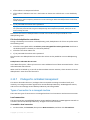
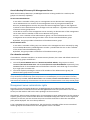
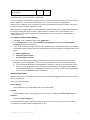
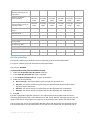
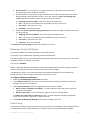
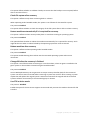
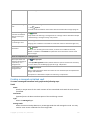
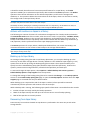
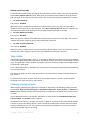
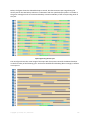
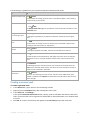
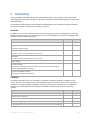
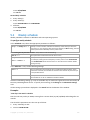
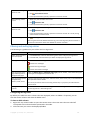
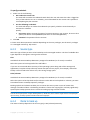
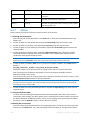
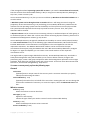
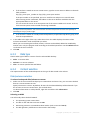
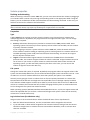
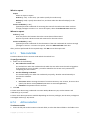
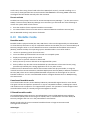
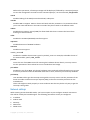
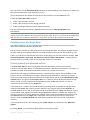
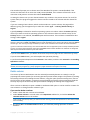
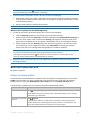
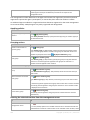
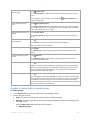
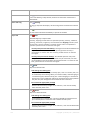
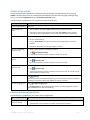
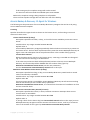
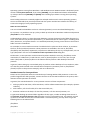
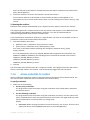
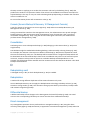
Bootable media was not
created
Create now
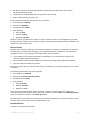
To be able to recover an operating system when the
machine fails to boot, you must:
1. Back up the system volume (and the boot volume, if it
is different)
2. Create at least one bootable media (p. 361).
Create now will launch the Bootable Media Builder (p.
368).
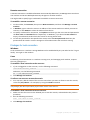
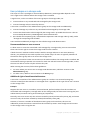
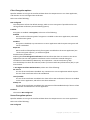
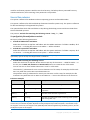
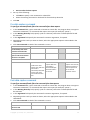
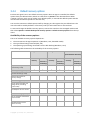
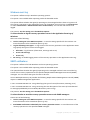
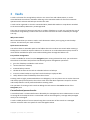
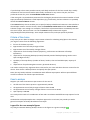
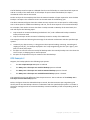
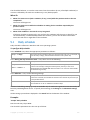
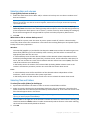
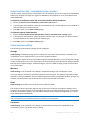
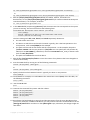
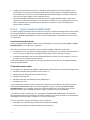
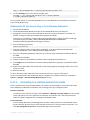
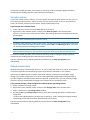
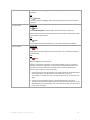
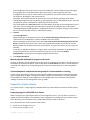
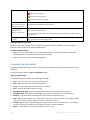
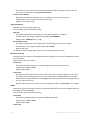
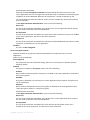
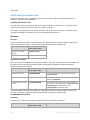
No backups have been
created for X day(s) on Y
machine(s)
Show list
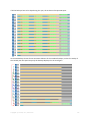
Not connected to
management server for X
day(s): Y machine(s)
View the
machines
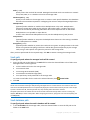
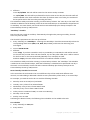
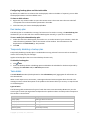
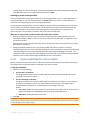
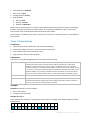
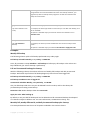
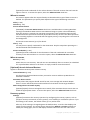
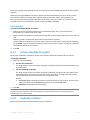
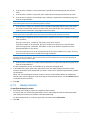
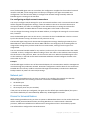
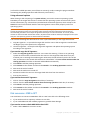
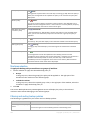
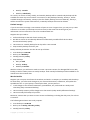
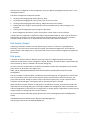
The Dashboard warns you that no data was backed up on
some of the registered machines for a period of time.
To configure the length of time that is considered critical,
select Options > Console options > Time-based alerts.
The Dashboard warns you that no connection was
established between some of the registered machines
and the management server for a period of time, thus
indicating that the machines might not be centrally
managed.
Click View the machines to open the Machines view with
the list of machines filtered by the "Last connect" field.
To configure the length of time that is considered critical,
select Options > Console options > Time-based alerts.
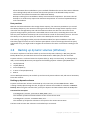
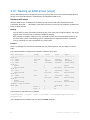
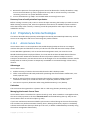
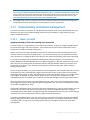
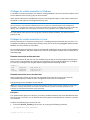
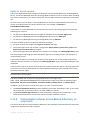
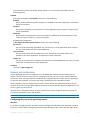
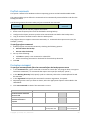
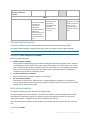
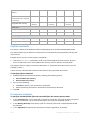
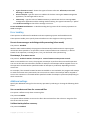
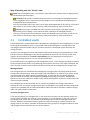
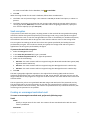
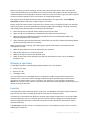
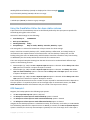
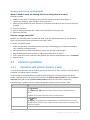
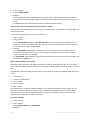
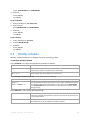
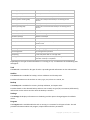
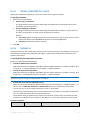
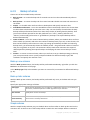
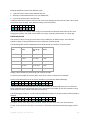
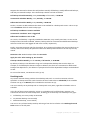
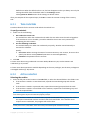
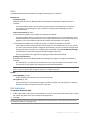
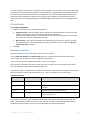
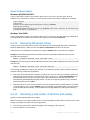
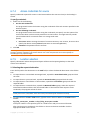
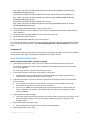
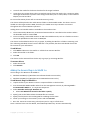
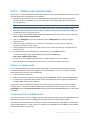
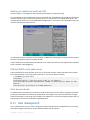
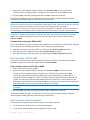
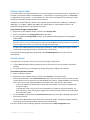
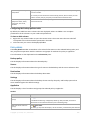
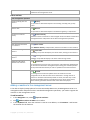
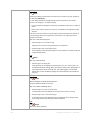
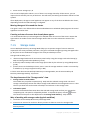
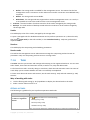
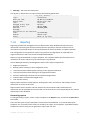
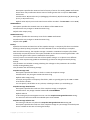
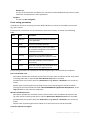
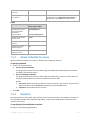
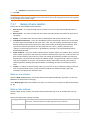
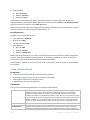
It is recommended to back up Install
the management server to
Acronis
protect its configuration.
components
Install the agent on the
management server machine
and add the machine to AMS.
Install Acronis Backup & Recovery 10 Agent for Windows
to back up the machine where the Acronis Backup &
Recovery 10 Management Server resides.
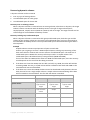
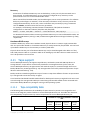
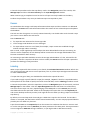
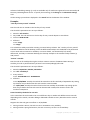
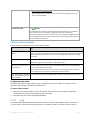
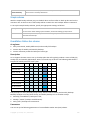
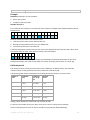
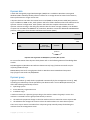
Acronis Backup & Recovery 10 Back up now
Management Server has not
been backed up for X day(s)
The alert is displayed only if Acronis Backup & Recovery
10 Agent for Windows is installed on the management
server. The alert warns that no data was backed up on the
management server for a period of time.
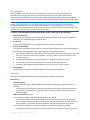
Click Install now to launch the installation wizard.
Back up now will take you to the Create backup plan
page where you can instantly configure and run the
backup operation.
To configure the length of time that is considered critical,
select Options > Console options > Time-based alerts.
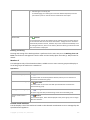
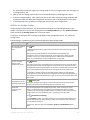
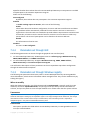
Activities
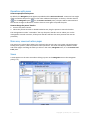
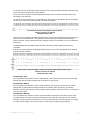
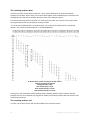
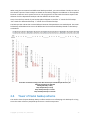
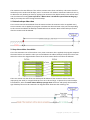
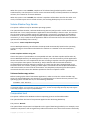
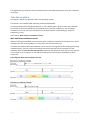
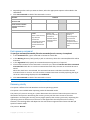
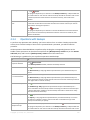
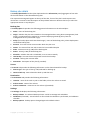
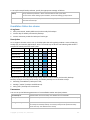
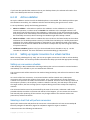
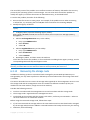
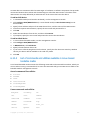
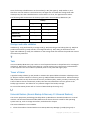
The stacked column chart lets you explore the daily history of the Acronis Backup & Recovery 10
agents' activities. The history is based on the log entries, collected from the registered machines and
from the management server. The chart shows the number of log entries of each type (error,
warning, information) for a particular day.
280
Copyright © Acronis, Inc., 2000-2010