1
English
Installation
Connection
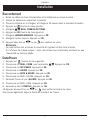
. Connect mains adapter and phone cable to wall sockets.
2. Insert batteries (1.2V NiMH AAA) in accordance with the markings.
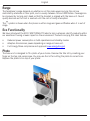
. Place the handset into base unit with the keypad facing outwards to charge (24 hours the
first time).
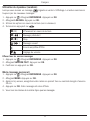
4. Press
(left menu button).
5. Scroll {/} to HS SETTINGS.
6. Press OK (left menu button).
. Scroll to LANGUAGE. Press OK.
. Scroll to ENGLISH. Press OK.
. Press L or
several times to exit the menu screens.
Note!
The mains socket outlet must be located near the equipment and easily accessible.
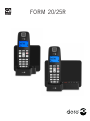
If the Form 25r base unit’s display is showing -- the answer machine is disconnected, or
time/date is not set.
Date/Time
. Press
(left menu button).
2. Scroll {/} to HS SETTINGS. Press OK.
. Scroll to HS DISPLAY. Press OK.
4. Scroll to TIME. Press OK.
5. Scroll to DATE & TIME. Press OK.
6. Scroll to SET TIME. Press OK.
. Enter time of day (HH-MM). Press OK.
. Scroll to SET DATE. Press OK.
. Enter date (DD MM YY). Press OK.
0. Press L or
several times to exit the menu screens.
The format of date/time can also be adjusted in this menu in the same way as other settings.