1
Email
95
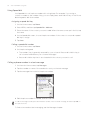
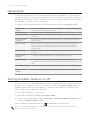
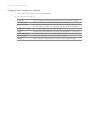
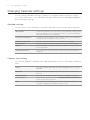
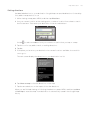
Changing email account settings
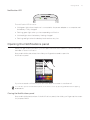
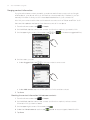
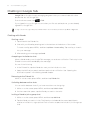
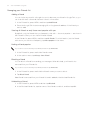
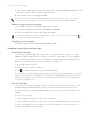
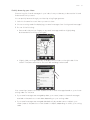
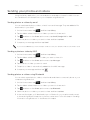
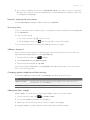
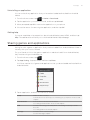
1. Switch to the email account whose settings you want to change.
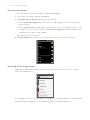
2. Press MENU and then tap More > Settings.
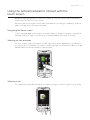
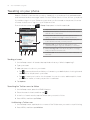
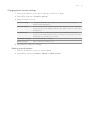
3. Select from the following:
Account settings
Change the email account settings such as the name, email address,
password, and description.
General settings
Set the font size when reading emails, enable, disable or set the signature,
set the account as the default email account, and set where to save email
attachments.
Send & Receive
Set the maximum email file size limit when receiving and frequency to
check for new emails and how many to check for. You can also set to have
emails that you send bcc’d to yourself.
Notification settings
Set email notification settings.
Delete account
Tap to delete the email account.
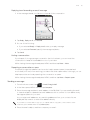
4. Press BACK to save your changes.
Deleting an email account
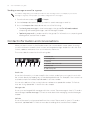
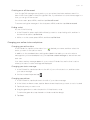
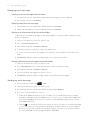
1. Switch to the email account you want to delete.
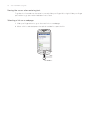
2. Press MENU, and then tap More > Settings > Delete account.