1
Changing option settings
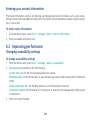
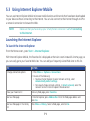
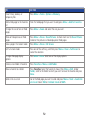
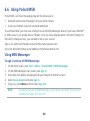
The Options screen enables you to specify the number of redial attempts, time to wait before disconnecting,
and how your phone connects to the network.
To access the Options screen
1.From the Home screen, press Start > Settings > Connections.
2. Press Menu > Advanced > Menu > Options.
Adding a URL exception
Some companies use periods in their intranet URLs (for example, intranet.companyname.com). A Work
URL exception tells Internet Explorer Mobile to look on the Work network to find the URL instead of
searching the Internet.
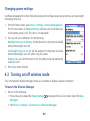
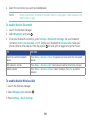
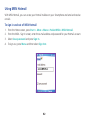
To add a URL exception
1.From the Home screen, press Start > Settings > Connections.
2. Press Menu > Advanced > Menu > Work URL Exceptions.
3. Press Menu > Add.
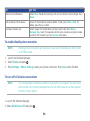
4. In URL Pattern, enter the URL, and press Done.
NOTE
Separate multiple URLs with a semicolon (;).
You should not create URL exceptions for URLs on the Internet.
68