1
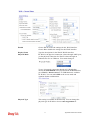
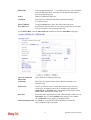
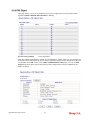
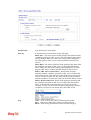
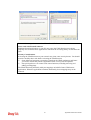
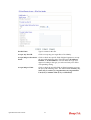
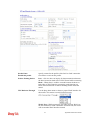
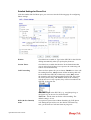
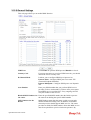
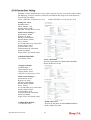
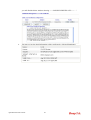
Also, you can specify each field for your necessity. It is
recommended for you to use the default settings for VoIP
communication.
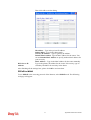
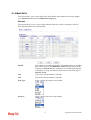
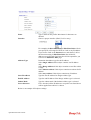
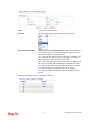
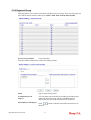
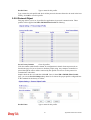
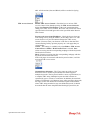
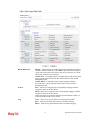
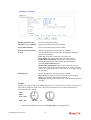
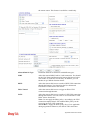
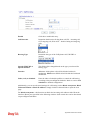
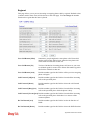
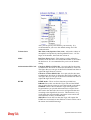
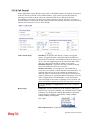
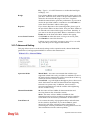
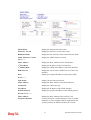
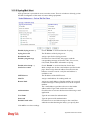
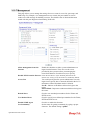
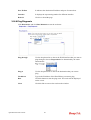
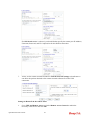
Volume Gain
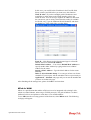
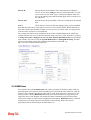
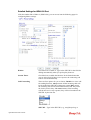
Mic Gain (1-10)/Speaker Gain (1-10) - Adjust the volume of
microphone and speaker by entering number from 1- 10. The
larger of the number, the louder the volume is.
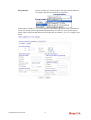
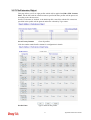
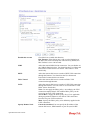
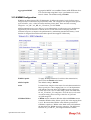
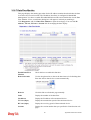
MISC
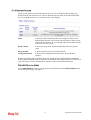
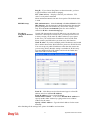
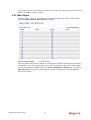
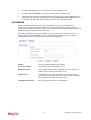
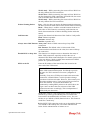
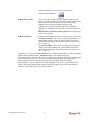
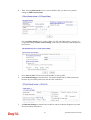
Dial Tone Power Level - This setting is used to adjust the
loudness of the dial tone. The smaller the number is, the louder
the dial tone is. It is recommended for you to use the default
setting.
Ring Frequency - This setting is used to drive the frequency of
the ring tone. It is recommended for you to use the default
setting.
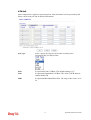
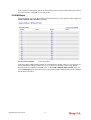
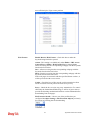
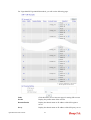
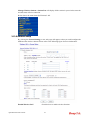
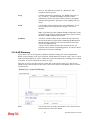
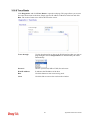
DTMF
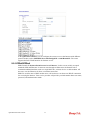
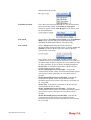
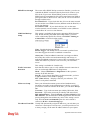
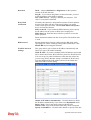
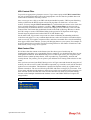
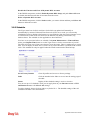
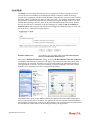
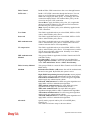
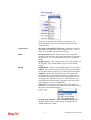
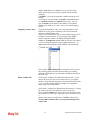
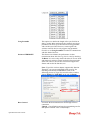
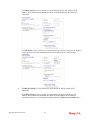
DTMF Mode – There are four DTMF modes for you to choose.
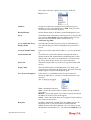
InBand - Choose this one then the Vigor will send the DTMF
tone as audio directly when you press the keypad on the phone
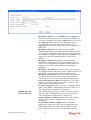
OutBand - Choose this one then the Vigor will capture the
keypad number you pressed and transform it to digital form
then send to the other side; the receiver will generate the tone
according to the digital form it receive. This function is very
useful when the network traffic congestion occurs and it still
can remain the accuracy of DTMF tone.
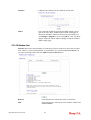
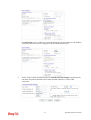
SIP INFO- Choose this one then the Vigor will capture the
DTMF tone and transfer it into SIP form. Then it will be sent to
the remote end with SIP message.
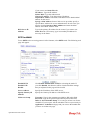
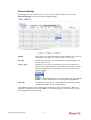
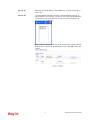
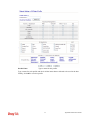
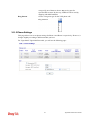
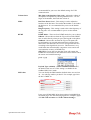
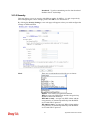
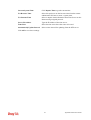
Payload Type (rfc2833) - Choose a number from 96 to 127,
the default value was 101. This setting is available for the
OutBand (RFC2833) mode.
171
Vigor2820 Series User’s Guide