1
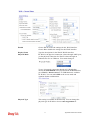
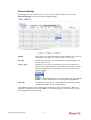
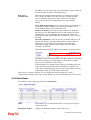
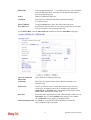
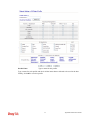
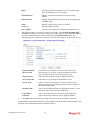
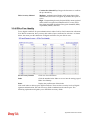
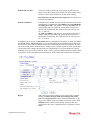
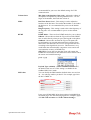
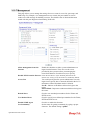
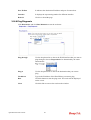
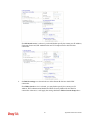
Status
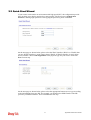
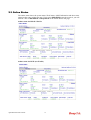
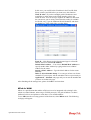
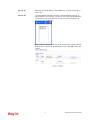
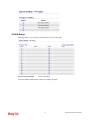
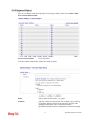
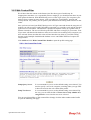
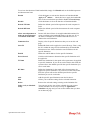
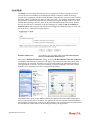
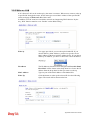
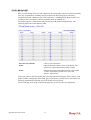
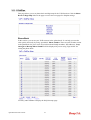
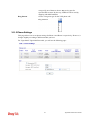
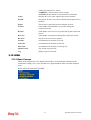
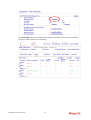
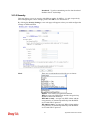
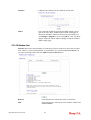
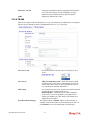
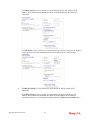
Displays the status of the static route.
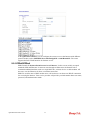
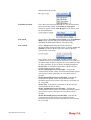
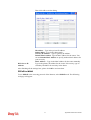
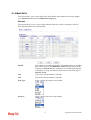
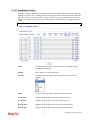
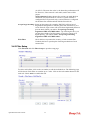
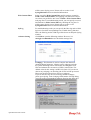
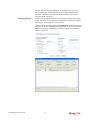
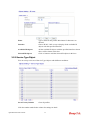
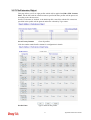
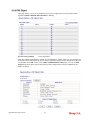
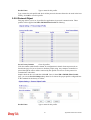
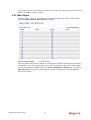
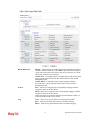
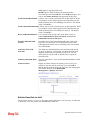
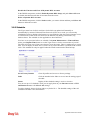
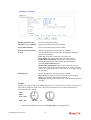
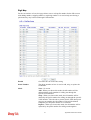
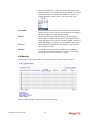
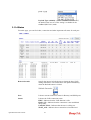
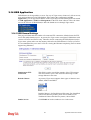
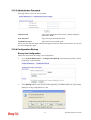
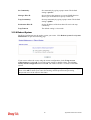
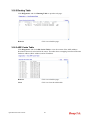
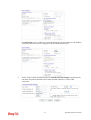
Viewing Routing Table Displays the routing table for your reference.
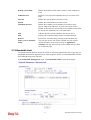
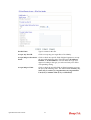
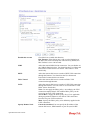
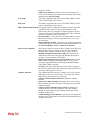
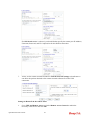
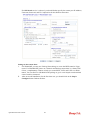
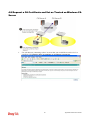
Add Static Routes to Private and Public Networks
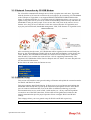
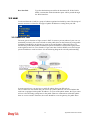
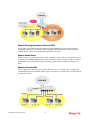
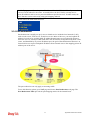
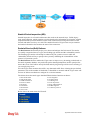
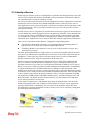
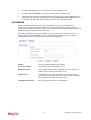
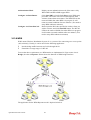
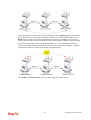
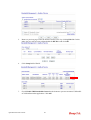
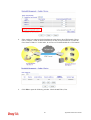
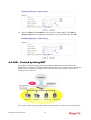
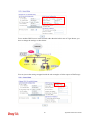
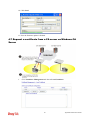
Here is an example of setting Static Route in Main Router so that user A and B locating in
different subnet can talk to each other via the router. Assuming the Internet access has been
configured and the router works properly:
z
use the Main Router to surf the Internet.
z
create a private subnet 192.168.10.0 using an internal Router A (192.168.1.2)
z
create a public subnet 211.100.88.0 via an internal Router B (192.168.1.3).
z
have set Main Router 192.168.1.1 as the default gateway for the Router A 192.168.1.2.
Before setting Static Route, user A cannot talk to user B for Router A can only forward
recognized packets to its default gateway Main Router.
1.
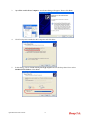
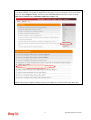
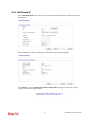
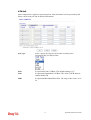
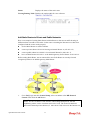
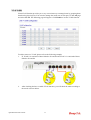
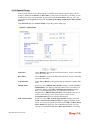
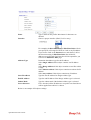
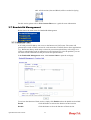
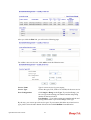
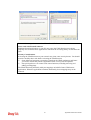
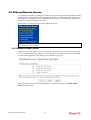
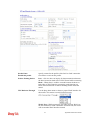
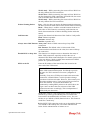
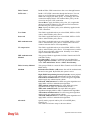
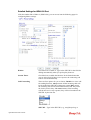
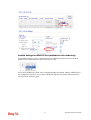
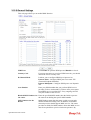
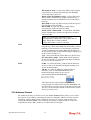
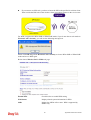
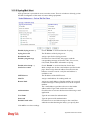
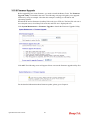
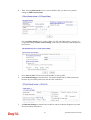
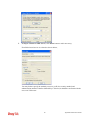
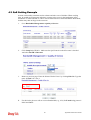
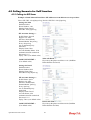
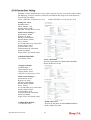
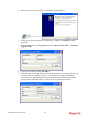
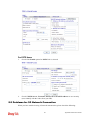
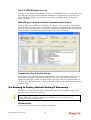
Go to LAN page and click General Setup, select 1st Subnet as the RIP Protocol
Control. Then click the OK button.
Note: There are two reasons that we have to apply RIP Protocol Control on 1st
Subnet. The first is that the LAN interface can exchange RIP packets with the
neighboring routers via the 1st subnet (192.168.1.0/24). The second is that those
hosts on the internal private subnets (ex. 192.168.10.0/24) can access the Internet via
Vigor2820 Series User’s Guide
64