1
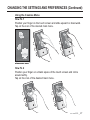
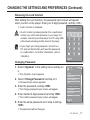
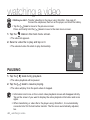
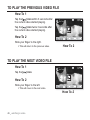
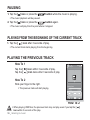
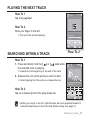
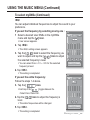
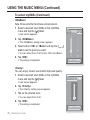
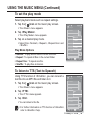
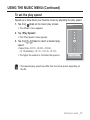
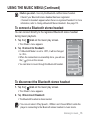
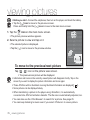
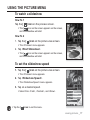
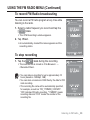
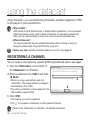
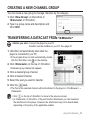
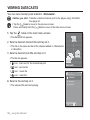
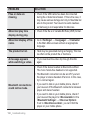
PAUSING 1. Tap the [ ] icon or press the button while the music is playing. The music playback will be paused. 2. Tap the [ ] icon or press the button again. The music will play from the point where it stopped. PLAYING FROM THE BEGINNING OF THE CURRENT TRACK 1. Tap the [ ] icon after 3 seconds of play. The current track starts playing from the beginning. PLAYING THE PREVIOUS TRACK How To 1 Tap the [ Tap the [ ] icon within 3 seconds of play. ] icon twice after 3 seconds of play. Songs 52/52 How To 2 Slide your finger to the right. The previous track will start playing. Rising Sun How To 2 When playing VBR files, the previous track may not play even if you tap the [ icon within 3 seconds of the play. CAUTION 56 _ listening to music ]