1
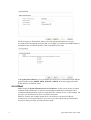
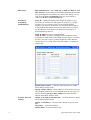
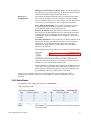
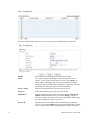
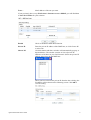
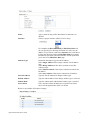
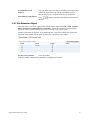
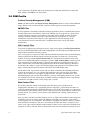
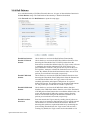
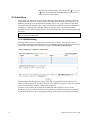
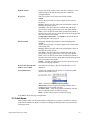
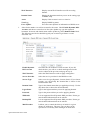
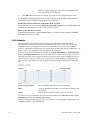
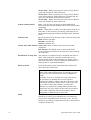
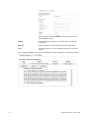
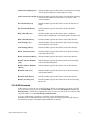
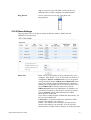
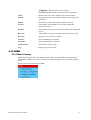
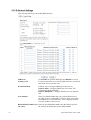
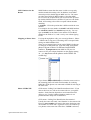
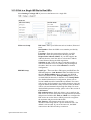
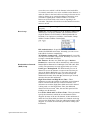
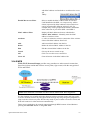
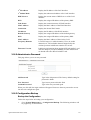
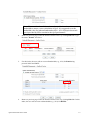
the external MSN numbers that you setup will be
displayed to remote side.
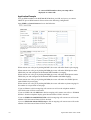
Application Example
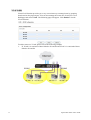
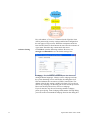
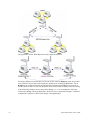
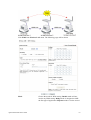
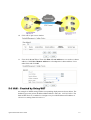
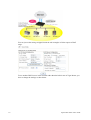
You got ISDN numbers with 5972720~5972729 from your ISP, and you try to connect
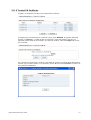
ISDN-TE port to ISDN network. Please refer to the following configuration.
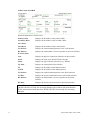
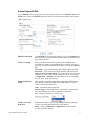
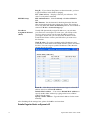
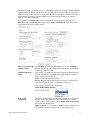
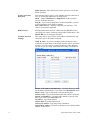
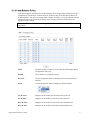
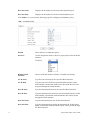
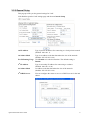
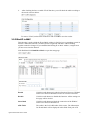
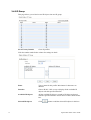
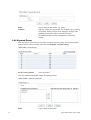
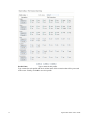
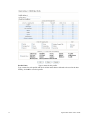
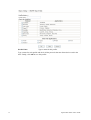
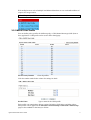
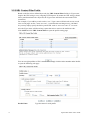
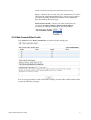
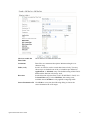
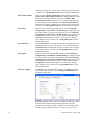
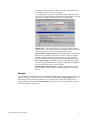
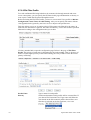
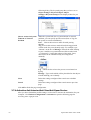
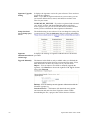
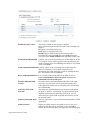
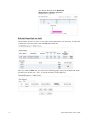
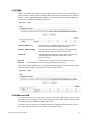
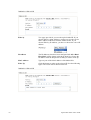
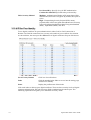
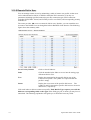
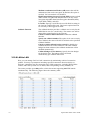
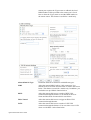
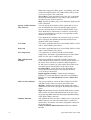
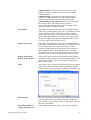
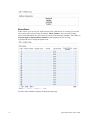
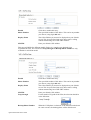
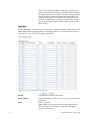
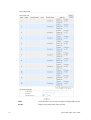
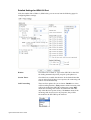
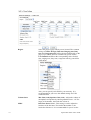
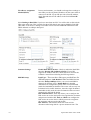
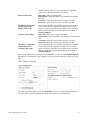
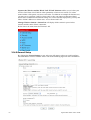
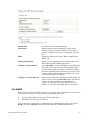
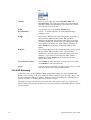
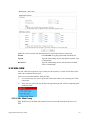
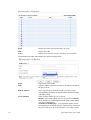
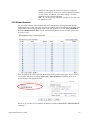
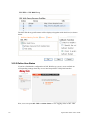
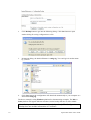
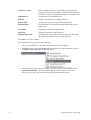
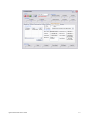
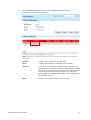
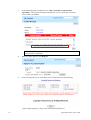
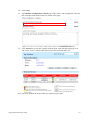
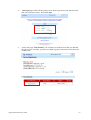
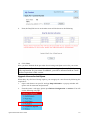
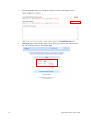
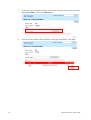
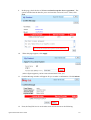
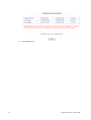
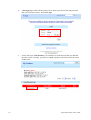
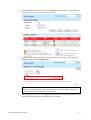
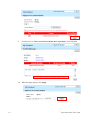
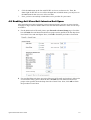
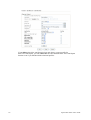
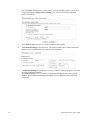
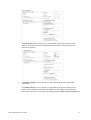
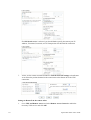
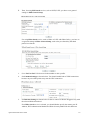
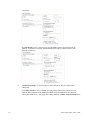
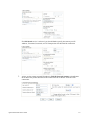
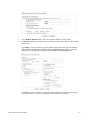
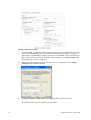
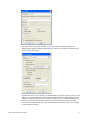
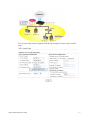
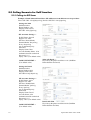
Open ISDN>> General Setup and set as the following:
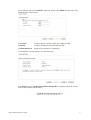
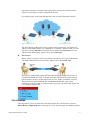
When remote user calls you by dialing 5972727, the router will make Phone1 port ringing.
When remote user calls you by dialing 5972728, the router will make ISDN phone under
ISDN1-S0 port and configured with internal MSN number 32 ringing.
When remote user calls you by dialing 5972729, the router will make ISDN phones under
ISDN1-S0 port and configured with internal MSN number 5972729 ringing.
When remote user calls you by dialing 5972720, the router will make all of ISDN phones
under ISDN1-S0 port ringing.
When remote user calls you by dialing 5972722, the router will make no phone ringing for
the number is not specified in such page.
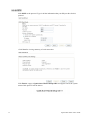
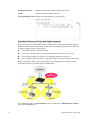
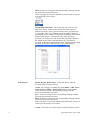
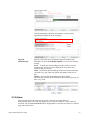
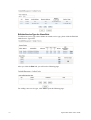
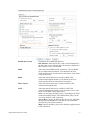
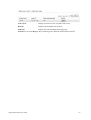
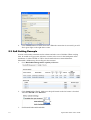
If you use Phone1 to dial an outgoing call: remote user will see the telephone number 5972726 because CLIP is not checked.
If you use ISDN1-S0 with MSN 32 to dial an outgoing call: remote user will see “Withheld
Number” from the telephone display panel because Phone CLIR is checked.
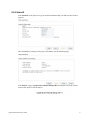
If you use ISDN1-S0 with MSN 5972729 to dial an outgoing call: remote user will see the
number 5972729 because Phone CLIP is checked.
If you use ISDN1-S0 without MSN Setup to dial an outgoing call: remote user will see the
number 5972720 because Phone CLIP is checked.
182
VigorPro5300 Series User’s Guide