1
The Base
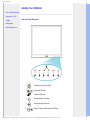
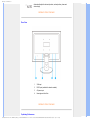
Front View Product
Description
Accessory Pack
Connecting to your PC
Getting Started
Optimizing Performance
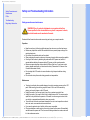
The Base
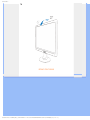
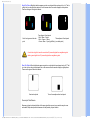
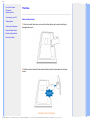
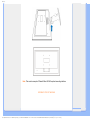
Attach the Base Stand
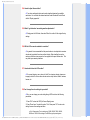
1) Place the monitor face down on a smooth surface taking care to avoid scratching or
damaging the screen.
Attach the Base Stand
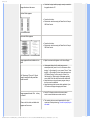
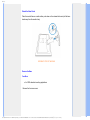
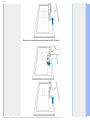
Detach the Base Stand
Remove the Base
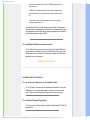
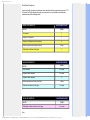
2) Hold the monitor base with both hands and firmly insert the base stand into the base
column.
RETURN TO TOP OF THE PAGE
file:///E|/LCD%20Monitor%20OEM/Philips/M1-project/223E1/223E1-EDFU/5B.10N01.001/CD-Contents/lcd/manual/ENGLISH/223E1/install/base.htm 第 1 頁 / 共 4 [98-07-30 15:21]