1
On-Screen Display
Description of the On-Screen
Display
On-Screen Display
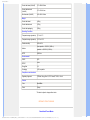
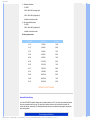
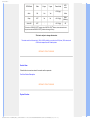
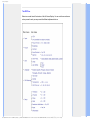
The OSD Tree
Description of the On Screen Display
What is the On-Screen Display?
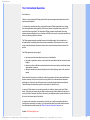
On-Screen Display (OSD) is a feature in all Philips LCD monitors. It allows an end user to adjust
screen performance or select functions of the monitors directly through an on-screen instruction
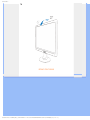
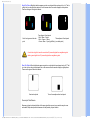
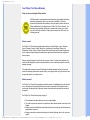
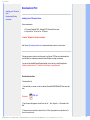
window. A user friendly on screen display interface is shown as below :
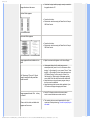
Basic and simple instruction on the control keys.
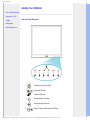
In the OSD shown above users can press
the cursor,
buttons at the front bezel of the monitor to move
to confirm the choice or change.
RETURN TO TOP OF THE PAGE
file:///E|/LCD%20Monitor%20OEM/Philips/M1-project/223E1/223E1-EDFU/5B.10N01.001/CD-Contents/lcd/manual/ENGLISH/223E1/osd/osddesc.htm 第 1 頁 / 共 3 [98-07-30 15:21]