1
Security in the dLAN 20
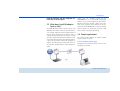
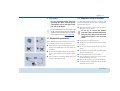
fig. 7
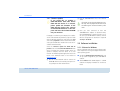
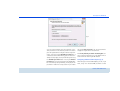
You can choose between your own password, a random password and the default password. To define
your own password with a length of at least eight characters, enter this into the Network password (min. 8
characters) text field. Alternatively, you can have a randomly selected, highly secure password assigned using
the Random password button. Pressing the Default
password key resets the password of the dLAN adapter to the factory setting. Normally, the display of the
password is hidden for security reasons. If you enable
the option Show characters, the current password is
displayed in legible form in the text field.
The factory default password is HomePlugAV. Assigning a specific password to a single adapter will exclude it from the remaining dLAN network.
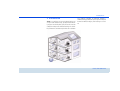
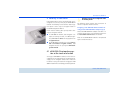
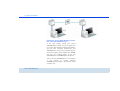
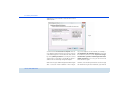
Configuring additional dLAN adapters (fig. 8)
After setting up the local dLAN adapter, you can, if you
want, assign the selected dLAN password to other
devolo dLAN 200 AVmini