1
System expansions
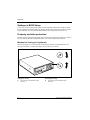
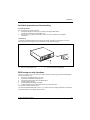
Replacing the floppy disk drive
►
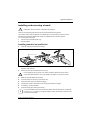
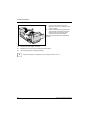
Open the casing (see "Opening the casing").
►
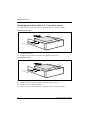
Remove the cross-piece (see "Removing the cross-piece”).
►
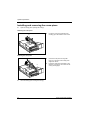
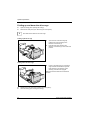
Fold up the drive cage (see "Folding up and down the drive cage").
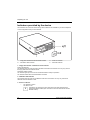
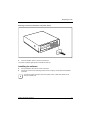
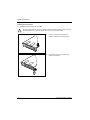
Removing the floppy disk drive
1
1
►
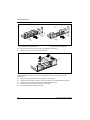
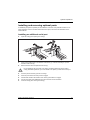
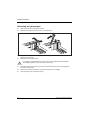
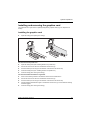
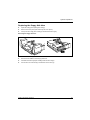
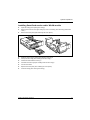
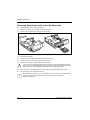
Remove the screws (1).
►
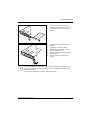
Disconnect the cables from the floppy disk drive.
►
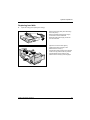
Fold down the drive cage (see "Folding down the drive cage").
►
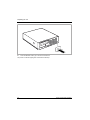
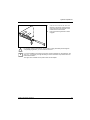
Pull the drive out of the casing in the direction of the arrow (2).
Fujitsu Technology Solutions
2
61