1
RocketRAID 174x Driver and Software Installation
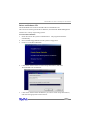
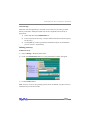
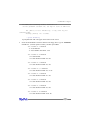
Note: the login information is saved in /etc/hptuser.dat. If you forget the password
you can remove this file to reset the password.
If you can’t connect to the local system, please check and make sure a process named
hptsvr is running. If hptsvr is not running, you can start it manually by using the
following command (from a terminal window)
“/Library/Startup Items/Hptsvr/hptsvr”.
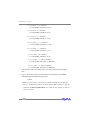
If you can’t connect to a remote system, make sure hptsvr is running on that system.
and you can access the remote system via TCP/IP connection. If you have a firewall
configured, make sure TCP port 7402 is not blocked.
2 Preparing Hard disks
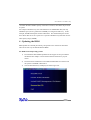
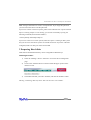
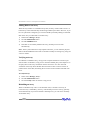
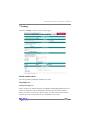
Disks must be initialized before they can be configured into RAID arrays.
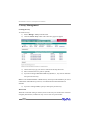
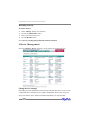
Initializing hard disks:
1)
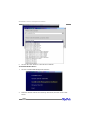
Select the “Manage - Device” function to access the device management
page.
2)
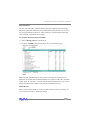
Click on the “Initialize Devices” button towards the upper portion of the
interface screen.
3)
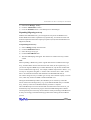
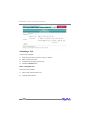
Checkmark each disk you wish to initialize, and click the “Submit” button.
Warning: initializing disks may delete data stored on the selected disks.
4-5