1
Note
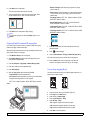
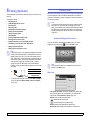
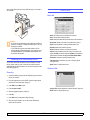
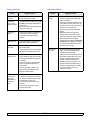
The machine prints multiple original images on a single page. The
number of images is automatically determined by the original image and
the paper size.
You cannot adjust the copy size using the Reduce/Enlarge for
the N-Up feature.
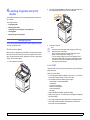
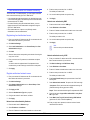
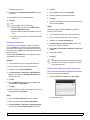
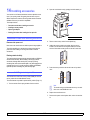
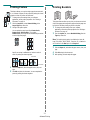
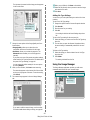
Poster copying
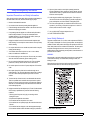
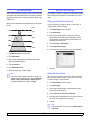
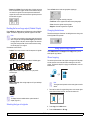
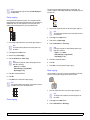
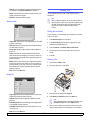
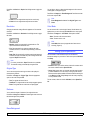
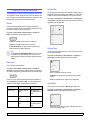
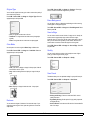
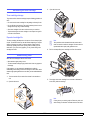
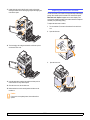
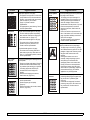
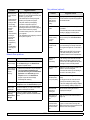
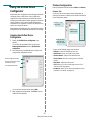
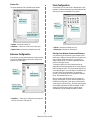
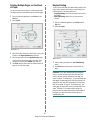
Your original will be divided into 9 portions. You can paste the printed
pages together to make one poster-sized document. This copy feature is
available only when you place originals on the scanner glass. Each
portion is scanned and printed on by one in the following order.
1
Place a single original face down on the scanner glass. (Page 4.1)
Note
The original must be placed on the scanner glass in order to
use this feature.
1
Place a single original face down on the scanner glass. (Page 4.1)
2
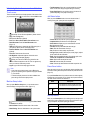
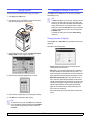
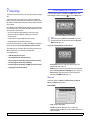
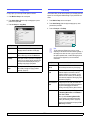
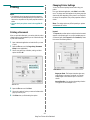
Press Copy from the Main screen.
3
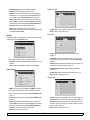
Select the tray in Paper Supply.
4
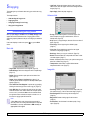
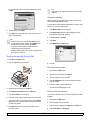
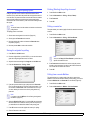
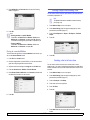
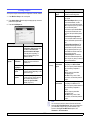
Press the Advanced tab > Clone Copy.
Note
Note
The original must be placed on the scanner glass to use
this feature.
2
Press Copy from the Main screen.
3
Select the tray in Paper Supply.
4
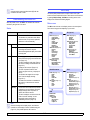
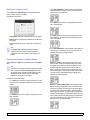
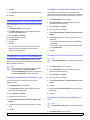
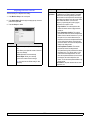
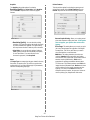
Press the Advanced tab > Poster Copy.
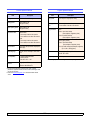
If this option is grayed out, select following options in the
Basic tab to activate it;
- Duplex to 1 -> 1 Sided
- Reduce/Enlarge to Original(100%)
- Paper Supply to Tray.
Note
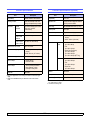
If this option is grayed out, select following options in the
Basic tab to activate it;
- Duplex to 1 -> 1 Sided
- Reduce/Enlarge to Original(100%)
- Paper Supply to Tray.
5
Press On to activate this feature.
6
Press OK.
7
Press Start on the control panel to begin copying.
5
Press On to activate this feature.
6
Press OK.
7
Press Start on the control panel to begin copying.
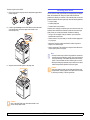
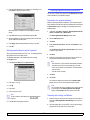
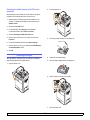
Book copying
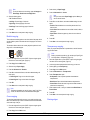
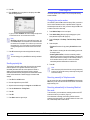
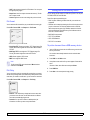
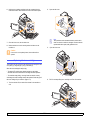
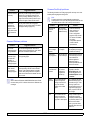
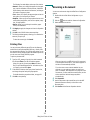
Use this feature to copy a book. If the book or magazine is thicker than
30 mm (1.18 inches), start copying with the scanner lid open.
Note
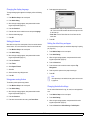
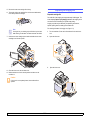
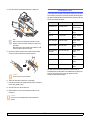
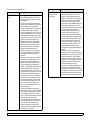
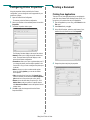
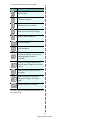
Your original is divided into 9 portions. Each portion is scanned
and printed one by one in the following order:
1
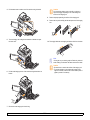
Place the originals face down on the scanner glass. (Page 4.1)
Note
The original must be placed on the scanner glass to use
this feature.
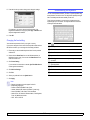
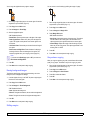
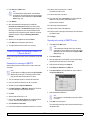
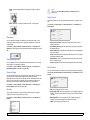
Clone copying
5.6
2
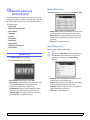
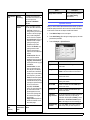
Press Copy from the Main screen.
3
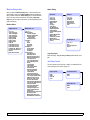
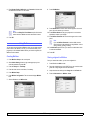
Press the Advanced tab > Book Copy.
<Copying>