1
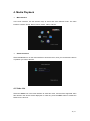
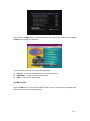
Press the UP / DOWN button to select a music track you wish to play. In music list, press the
LEFT button to enable the buttons in the tool bar.
4.3 Photo List
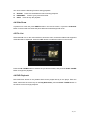
Select the Photo icon on the main interface to enter this menu, and all of the supported
pictures stored on the device will be displayed.
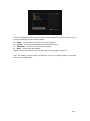
Press the UP / DOWN button to select a photo you wish to browse, and press the PLAY /
PAUSE button to begin the playback.
16 / 21