1
8
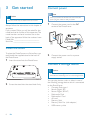
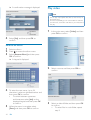
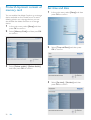
Repeat steps 5 to 7 until all photos are
selected for the format.
» If you select [Auto fit], the
PhotoFrame extends a photo to fill the
screen with picture distortion.
9
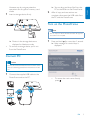
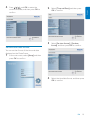
Press to start collage display.
• To stop collage display, select
[Slideshow] > [Collage] > [Single]
and then press OK to confirm.
Tip
•
•
If you select a collage layout, the PhotoFrame displays a
static collage and the slideshow mode is deactivated.
If you select [Random] format, the PhotoFrame
automatically does the random collage base on the
optimal layout of photos and displays the collages in
slideshow mode.
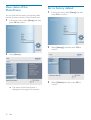
Select photo background
You can select a background border color for
photos that are smaller than the screen of the
PhotoFrame.
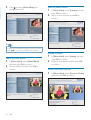
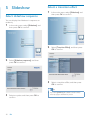
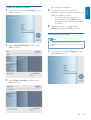
1
In the main menu, select [Slideshow] and
then press OK to confirm.
2
Select [Background Color], and then press
OK to confirm.
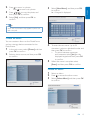
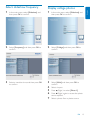
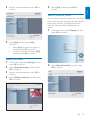
3
Select a background color / [Auto fit] /
[RadiantColor], and then press OK to
confirm.
» If you select a background color, the
PhotoFrame displays a photo with a
background color or black bar.
20
EN
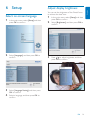
» If you select [RadiantColor], the
PhotoFrame extends the color on the
edges of a photo that is smaller than
the full screen to fill the screen without
black bars or aspect ratio distortion.