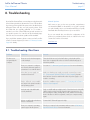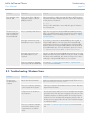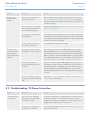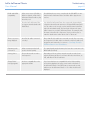
1
LaCie LaCinema Classic
User Manual
Playing Multimedia Files and Settings
page 24
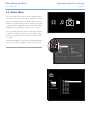
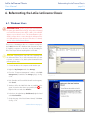
5.2. Music Menu
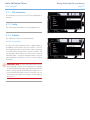
You can scroll through the menu using the navigation buttons.
To confirm your choice and enter a menu, press the Play button.
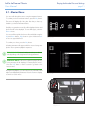
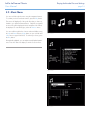
This menu will display all of the audio files that you have uploaded to your LaCie LaCinema Classic. Only files recognized
as music files will be displayed. Movies and photo files will not
be displayed. To view all file types, select the Browser menu.
You can scroll through the list of music tracks and folders using
the Up and Down buttons, Right button to open a folder and
Left to move to upper folder level. To confirm your choice, press
the Play button.
Fig. 5.2-A
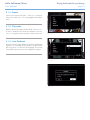
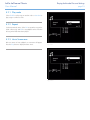
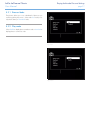
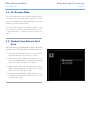
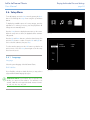
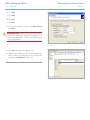
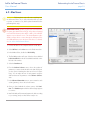
During the file playback, you can adjust several playback parameters. Press the i button to display or exit the on-screen menu.
Fig. 5.2-B
Fig. 5.2-C