1
RocketRAID 2640X4 BIOS Utility
For Windows based operating systems:
1.
Download the desired BIOS update from the Support section provided for the
host adapter. Extract the download to the directory of your choice.
2. Insert the Driver and Software CD included with the retail box into the system’s
CD-ROM or DVD drive.
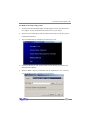
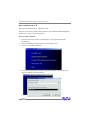
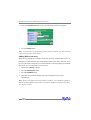
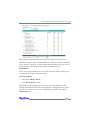
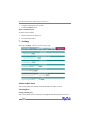
3. The CD should autorun, and display the following screen:
4. Select the “Browse the CD” option, and access the directory provided for the
RR2640X4 host adapter.
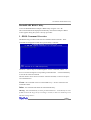
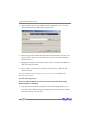
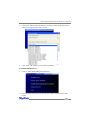
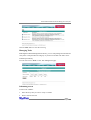
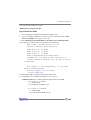
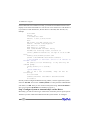
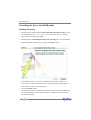
5. Open the “BIOS” directory, and double click the “hptflash.exe” icon. This will
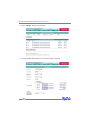
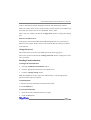
start the BIOS flash utility (RR2640X4 example below):
3-5