1
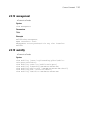
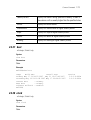
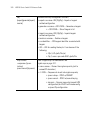
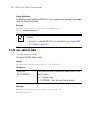
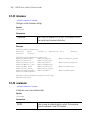
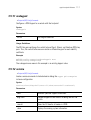
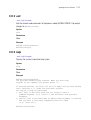
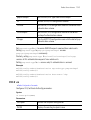
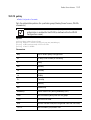
crypto-map
10-3
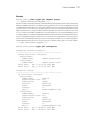
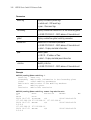
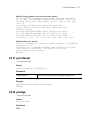
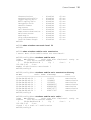
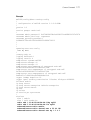
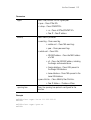
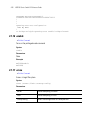
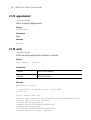
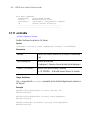
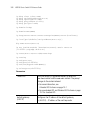
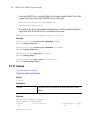
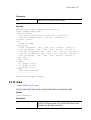
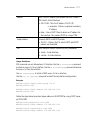
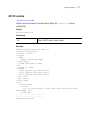
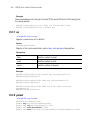
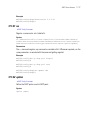
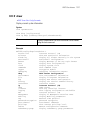
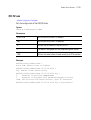
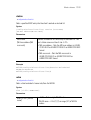
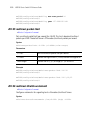
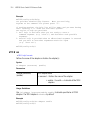
Example
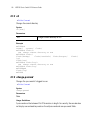
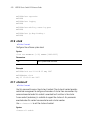
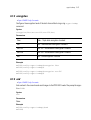
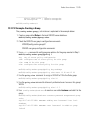
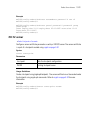
WS5100(config-crypto-map)#exit
WS5100(config)#
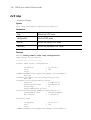
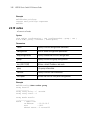
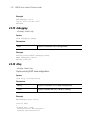
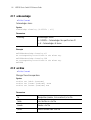
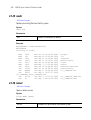
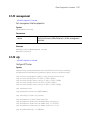
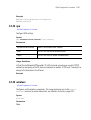
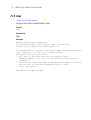
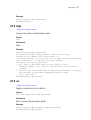
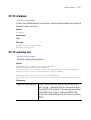
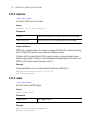
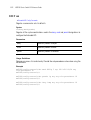
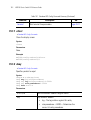
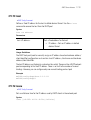
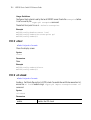
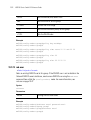
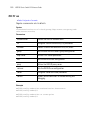
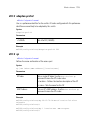
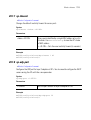
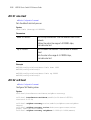
10.1.4 help
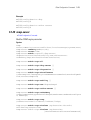
Crypto Map Config Commands
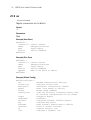
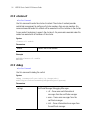
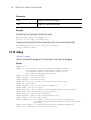
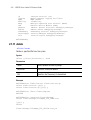
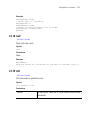
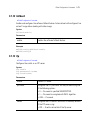
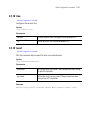
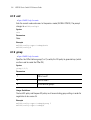
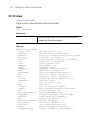
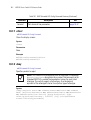
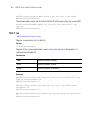
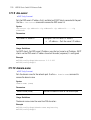
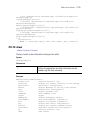
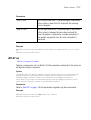
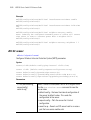
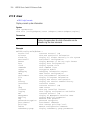
Use this command to access the system’s interactive help system
Syntax
help
Parameters
None
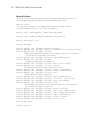
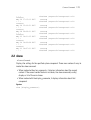
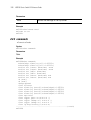
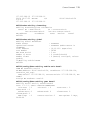
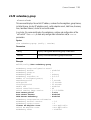
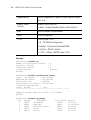
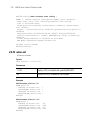
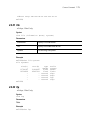
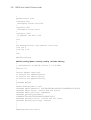
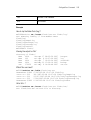
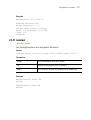
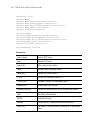
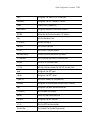
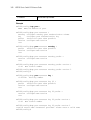
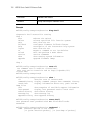
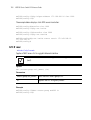
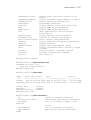
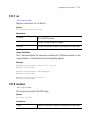
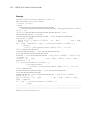
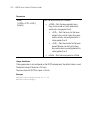
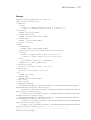
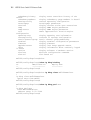
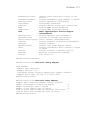
Example
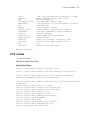
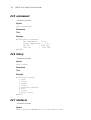
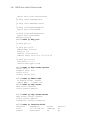
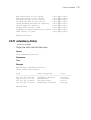
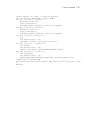
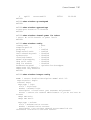
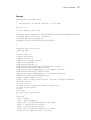
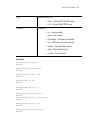
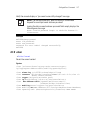
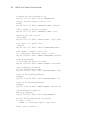
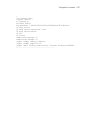
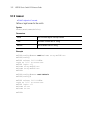
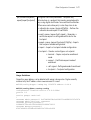
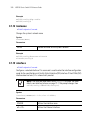
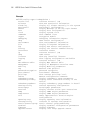
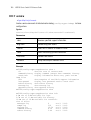
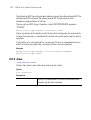
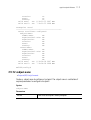
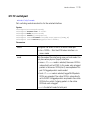
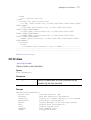
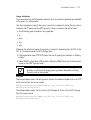
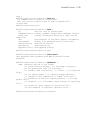
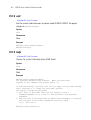
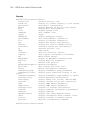
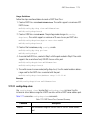
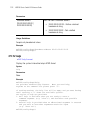
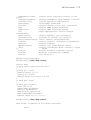
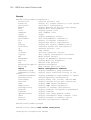
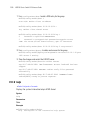
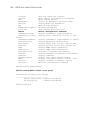
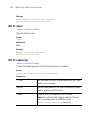
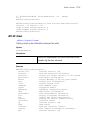
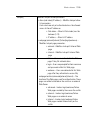
WS5100(config-crypto-map)#help
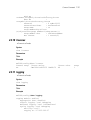
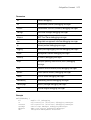
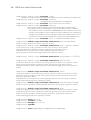
CLI provides advanced help feature. When you need help,
anytime at the command line please press '?'.
If nothing matches, the help list will be empty and you must backup
until entering a '?' shows the available options.
Two styles of help are provided:
1. Full help is available when you are ready to enter a
command argument (e.g. 'show ?') and describes each possible
argument.
2. Partial help is provided when an abbreviated argument is entered
and you want to know what arguments match the input
(e.g. 'show ve?'.)
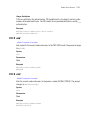
WS5100(config-crypto-map)#
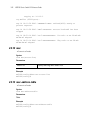
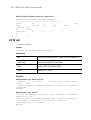
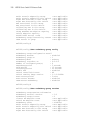
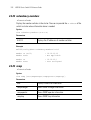
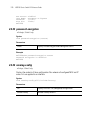
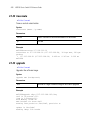
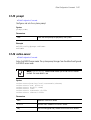
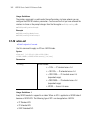
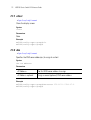
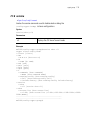
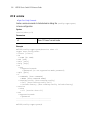
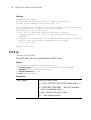
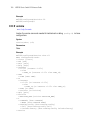
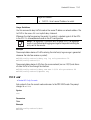
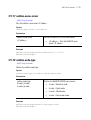
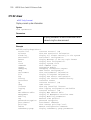
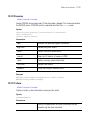
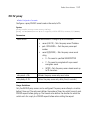
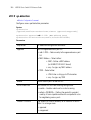
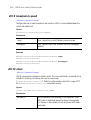
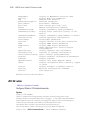
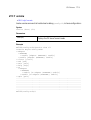
10.1.5 match
Crypto Map Config Commands
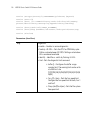
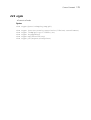
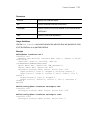
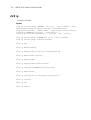
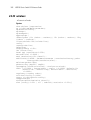
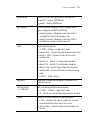
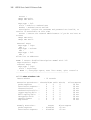
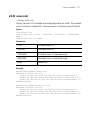
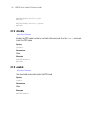
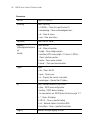
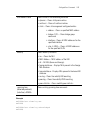
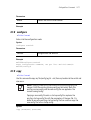
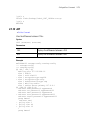
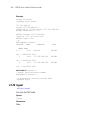
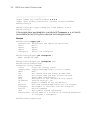
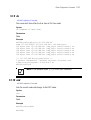
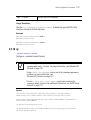
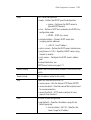
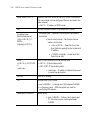
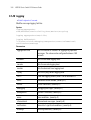
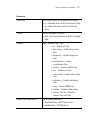
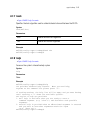
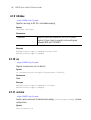
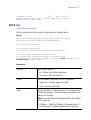
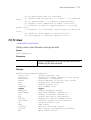
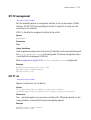
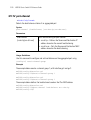
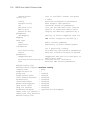
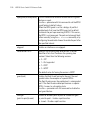
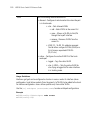
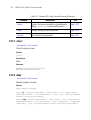
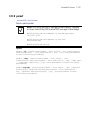
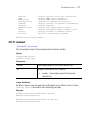
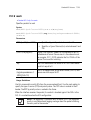
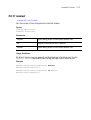
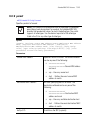
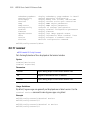
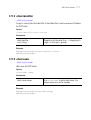
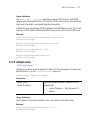
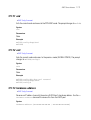
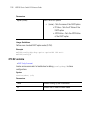
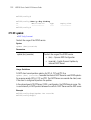
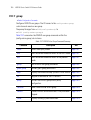
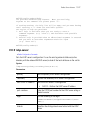
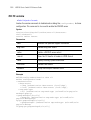
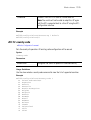
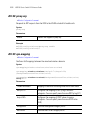
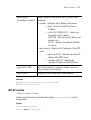
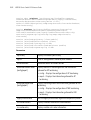
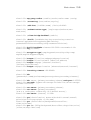
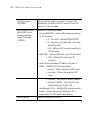
Use this command to assign an IP access-list to a crypto map definition. The access-list
designates the IP packets to be encrypted by this crypto map.
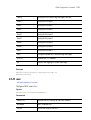
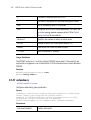
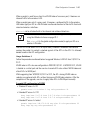
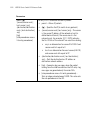
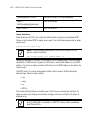
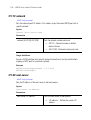
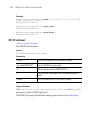
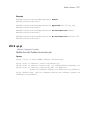
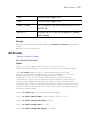
A crypto map entry is a single policy that describes how certain traffic is secured. There
are two types of crypto map entries: ipsec-manual and ipsec-ike entries. Each entry is
given an index (used to sort the ordered list).
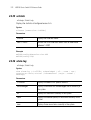
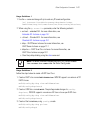
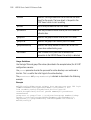
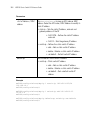
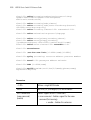
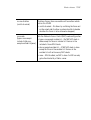
When a non-secured packet arrives on an interface, the crypto map set associated with
that interface is processed (in order). If a crypto map entry matches the non-secured traffic,
the traffic is discarded.