1
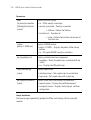
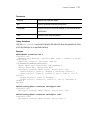
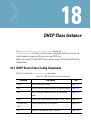
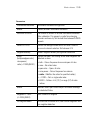
DHCP Class Instance
18-3
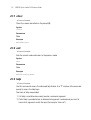
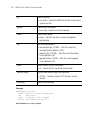
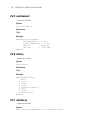
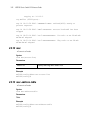
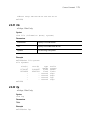
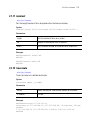
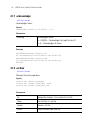
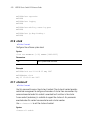
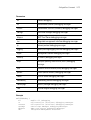
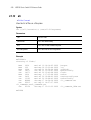
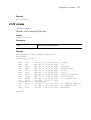
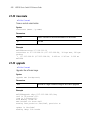
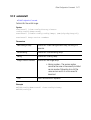
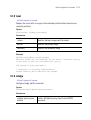
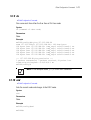
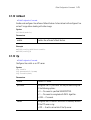
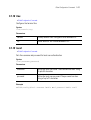
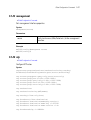
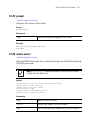
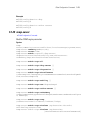
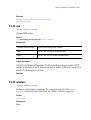
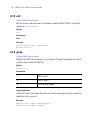
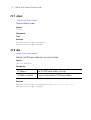
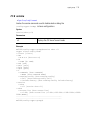
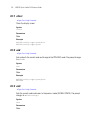
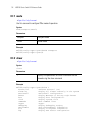
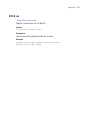
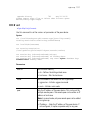
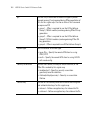
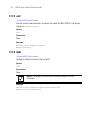
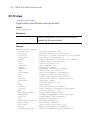
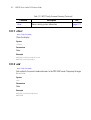
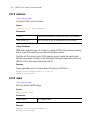
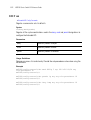
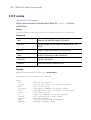
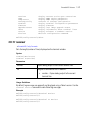
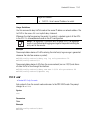
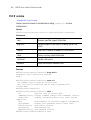
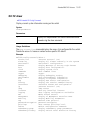
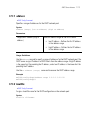
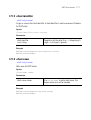
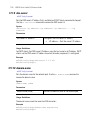
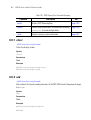
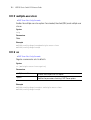
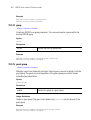
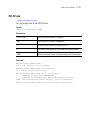
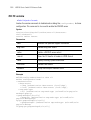
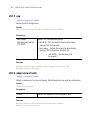
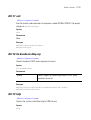
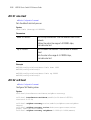
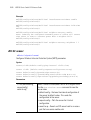
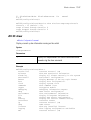
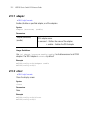
18.1.3 exit
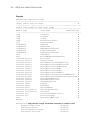
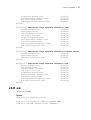
DHCP Server Class Config Commands
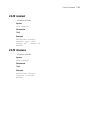
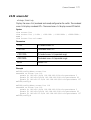
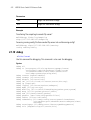
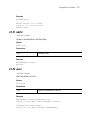
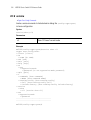
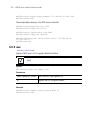
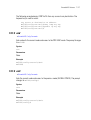
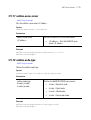
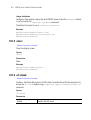
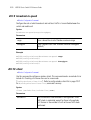
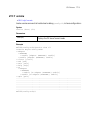
Ends the current mode and moves to the previous mode (GLOBAL-CONFIG). The prompt
changes to WS5100(config)#
Syntax
exit
Parameters
None
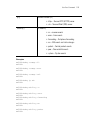
Example
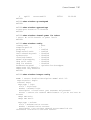
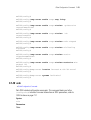
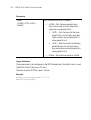
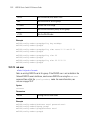
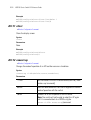
WS5100(config-dhcpclass)#exit
WS5100(config)#
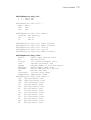
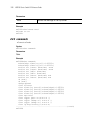
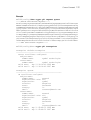
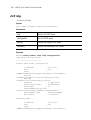
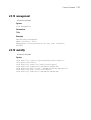
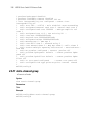
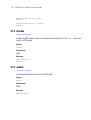
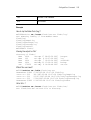
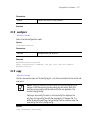
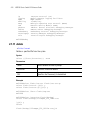
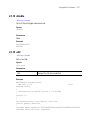
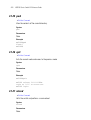
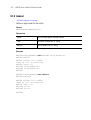
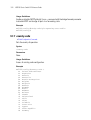
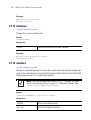
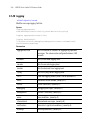
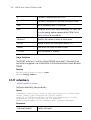
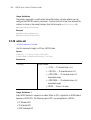
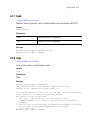
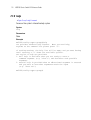
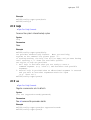
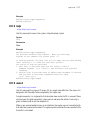
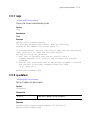
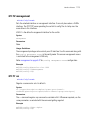
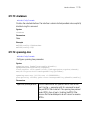
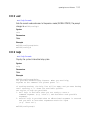
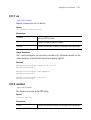
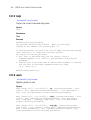
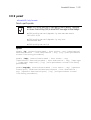
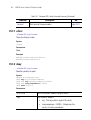
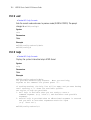
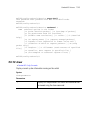
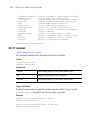
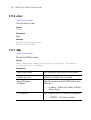
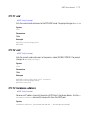
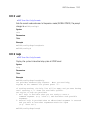
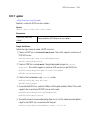
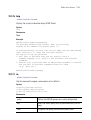
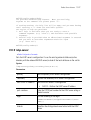
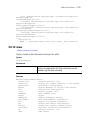
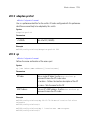
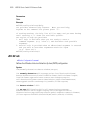
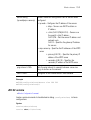
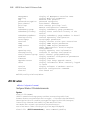
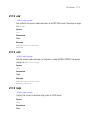
18.1.4 help
DHCP Server Class Config Commands
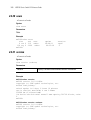
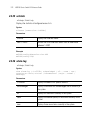
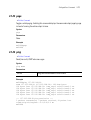
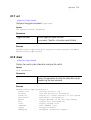
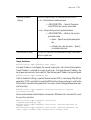
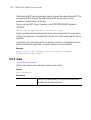
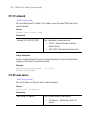
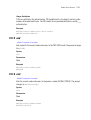
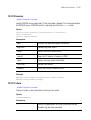
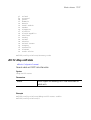
Displays the system’s interactive help system in HTML format
Syntax
help
Parameters
None
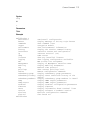
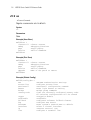
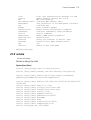
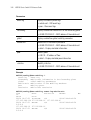
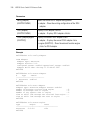
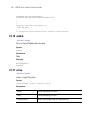
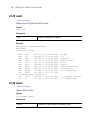
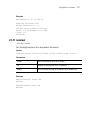
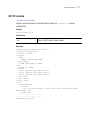
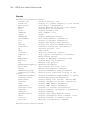
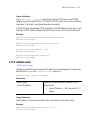
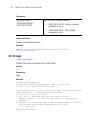
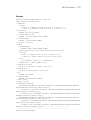
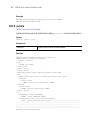
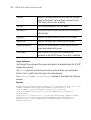
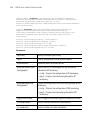
Example
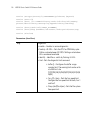
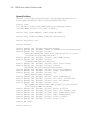
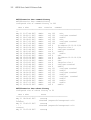
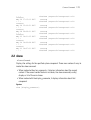
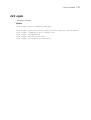
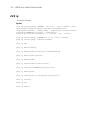
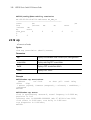
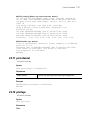
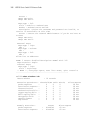
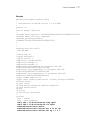
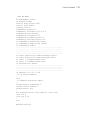
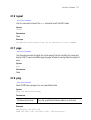
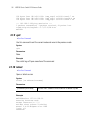
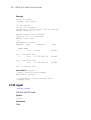
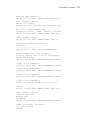
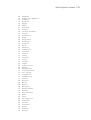
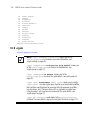
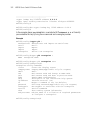
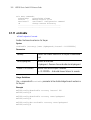
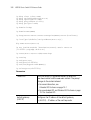
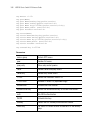
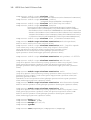
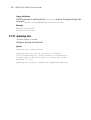
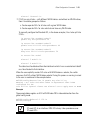
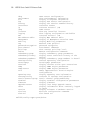
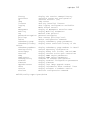
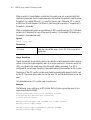
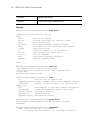
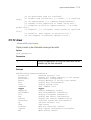
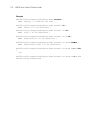
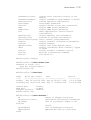
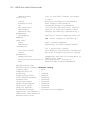
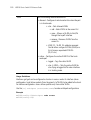
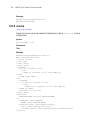
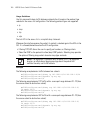
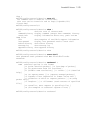
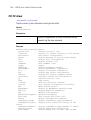
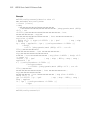
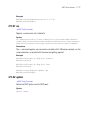
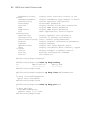
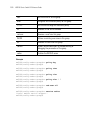
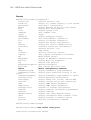
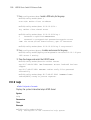
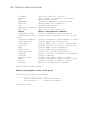
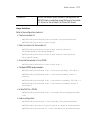
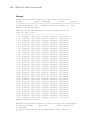
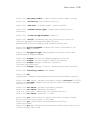
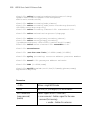
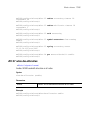
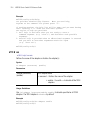
WS5100(config-dhcpclass)#help
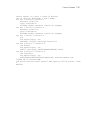
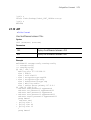
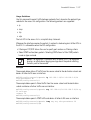
CLI provides advanced help feature. When you need help,
anytime at the command line please press '?'.
If nothing matches, the help list will be empty and you must backup
until entering a '?' shows the available options.
Two styles of help are provided:
1. Full help is available when you are ready to enter a
command argument (e.g. 'show ?') and describes each possible
argument.
2. Partial help is provided when an abbreviated argument is entered
and you want to know what arguments match the input
(e.g. 'show ve?'.)
WS5100(config-dhcpclass)#