1
SPT 1500 Product Reference Guide
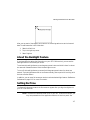
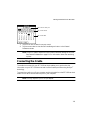
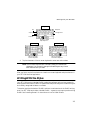
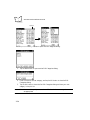
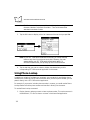
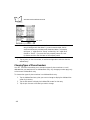
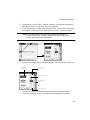
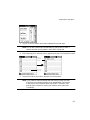
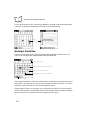
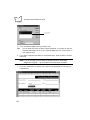
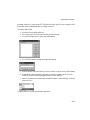
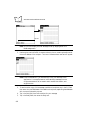
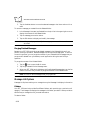
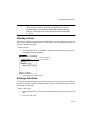
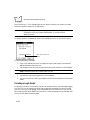
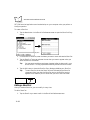
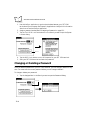
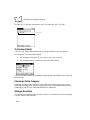
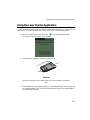
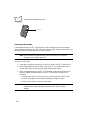
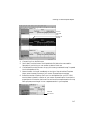
Tap here
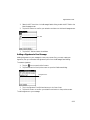
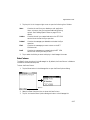
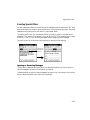
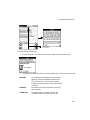
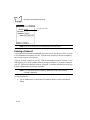
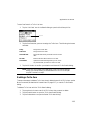
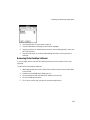
2. Enter the password that you want for your SPT 1500 terminal.
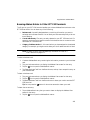
3. Tap the OK button to open a confirmation dialog.
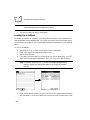
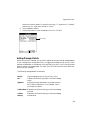
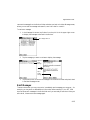
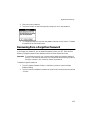
4. Enter the same password a second time, and tap the OK button to assign that
password to your SPT 1500 terminal.
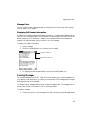
Hiding Private Entries
You can hide the entries that you mark as private. If you assign a password, you must enter
it to show entries you mark as private. Note that your SPT 1500 terminal merely hides the
entries; it does not delete them.
To hide Private entries:
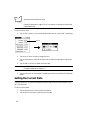
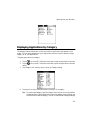
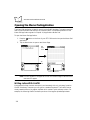
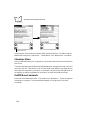
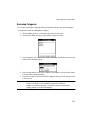
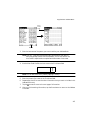
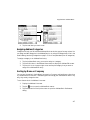
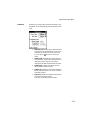
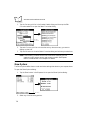
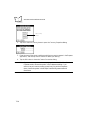
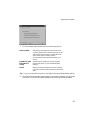
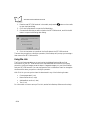
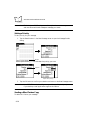
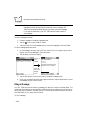
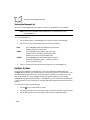
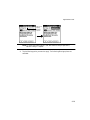
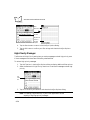
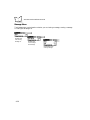
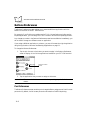
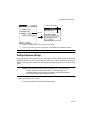
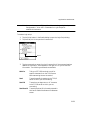
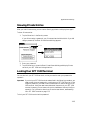
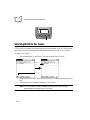
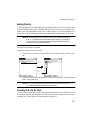
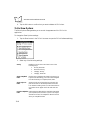
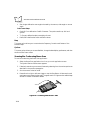
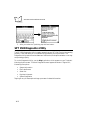
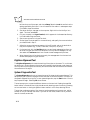
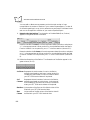
1. Tap the Hide box in the Security screen to open the Hide Records dialog.
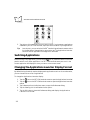
Tap here
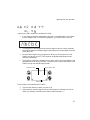
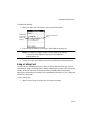
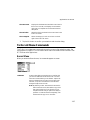
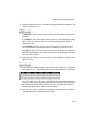
2. Tap the Hide box to hide entries you mark Private and to close the Hide Records
dialog.
12-2